CountertopsPen and laser

Pen or laser? Get both.

How are you measuring countertops today?

Still using wood sticks?

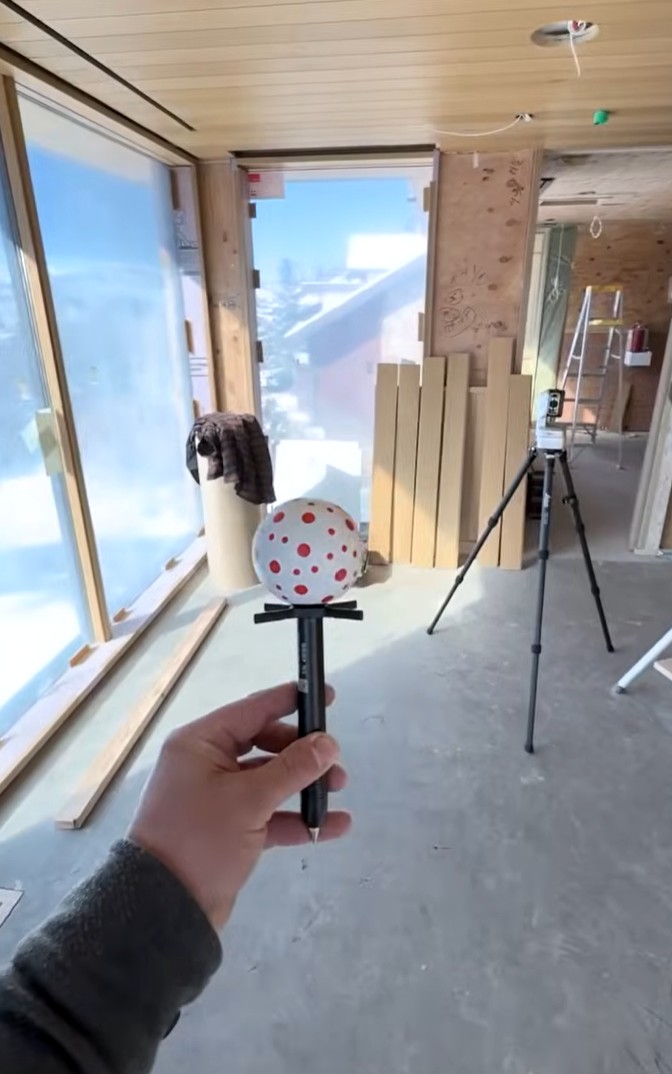
  • If you can place a stick, you can use the pen. Touch the pen where the stick would go. Same edges, same corners.
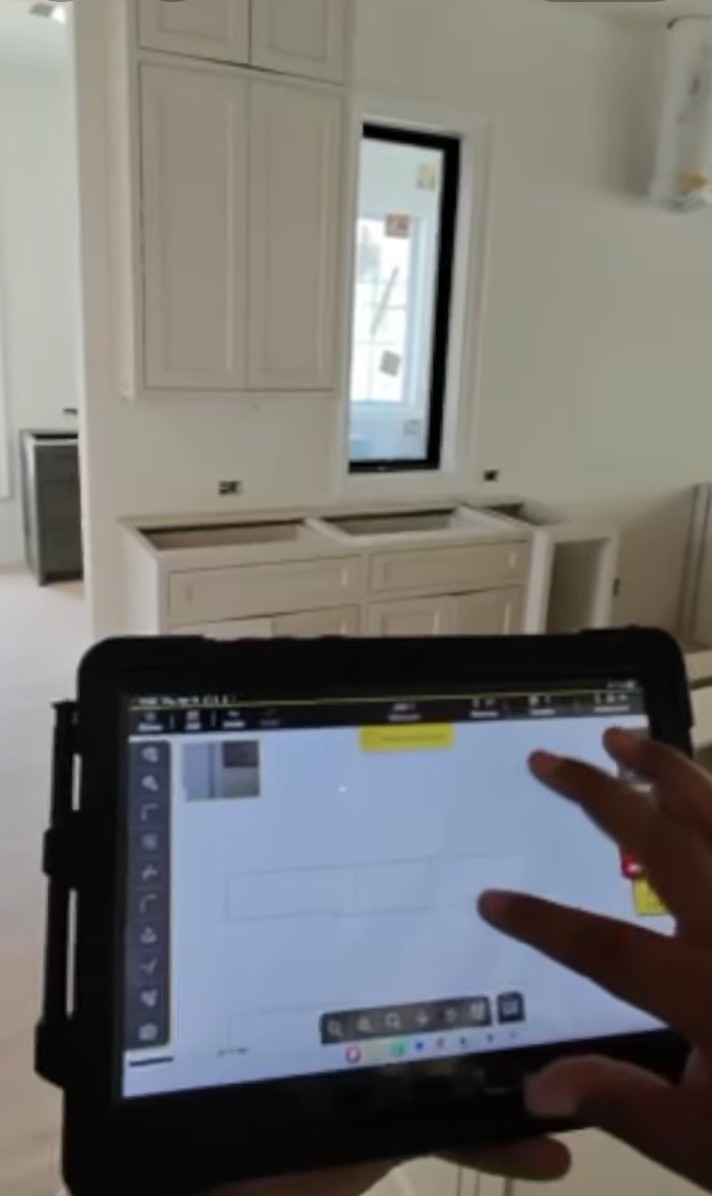
  • Nothing to figure out on site. The drawing builds on the tablet point by point, so you see a missed edge before you leave.
  • You are not on your own. iCS50 Onboarding Specialists train you, with step-by-step guides and workbooks for the field.

Already digital? Time for an upgrade.

  • Wire measuring tool? Fast on sinks and scribes. Then a tall fireplace means a ladder. With the iCS50, the laser gets the top of the wall from the floor.
  • Laser-only device? Great on tall walls. But a dot is not a pen on an undermount sink or a tight scribe, the laser can't see under the uppers, and a large kitchen takes 3 to 4 setups.
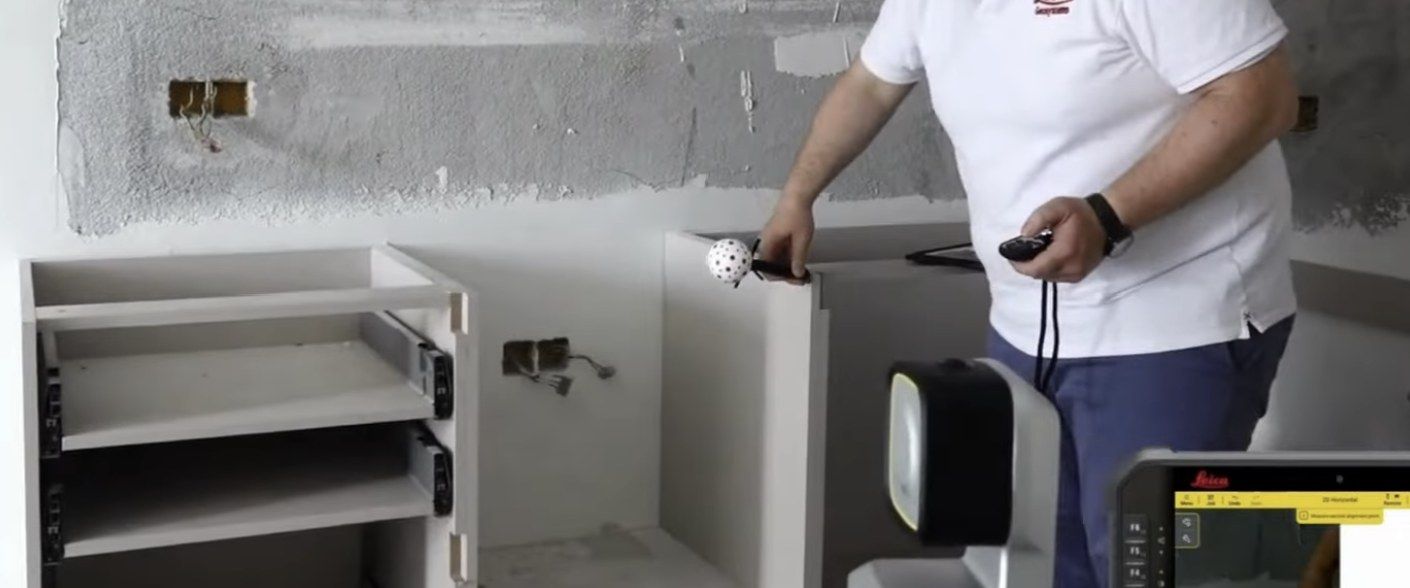
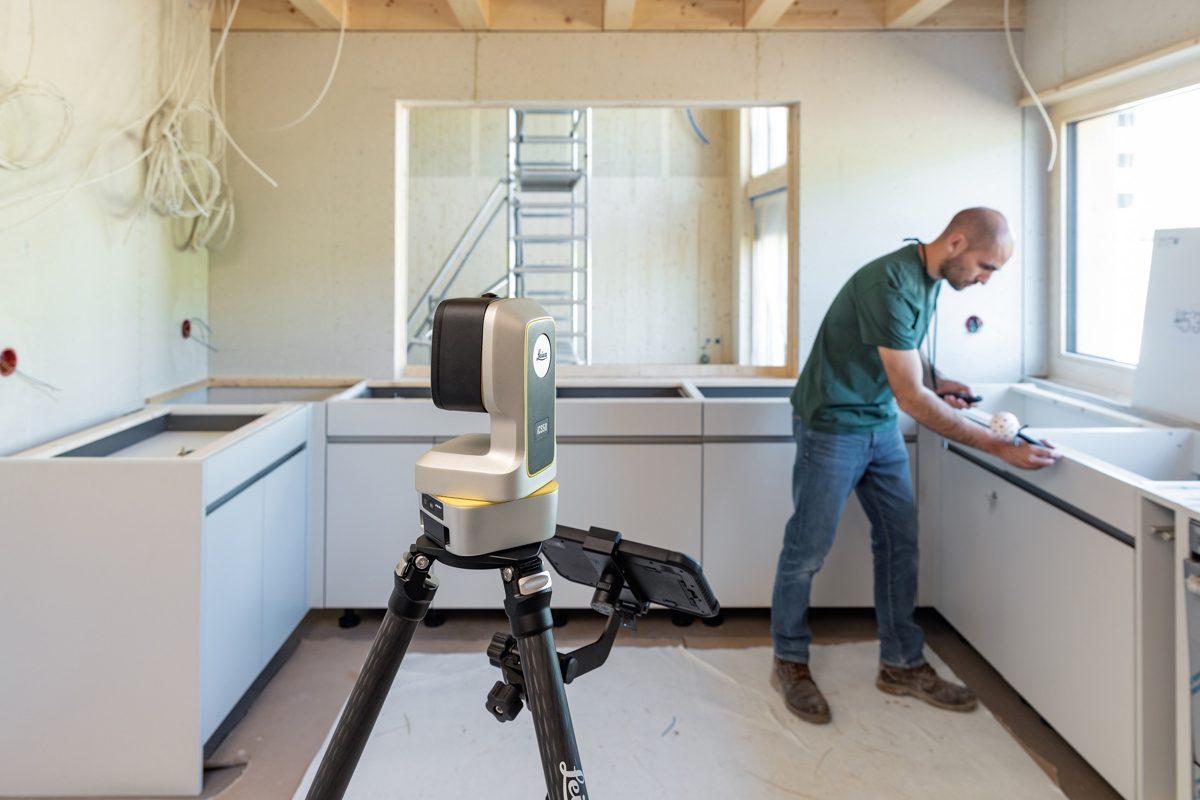
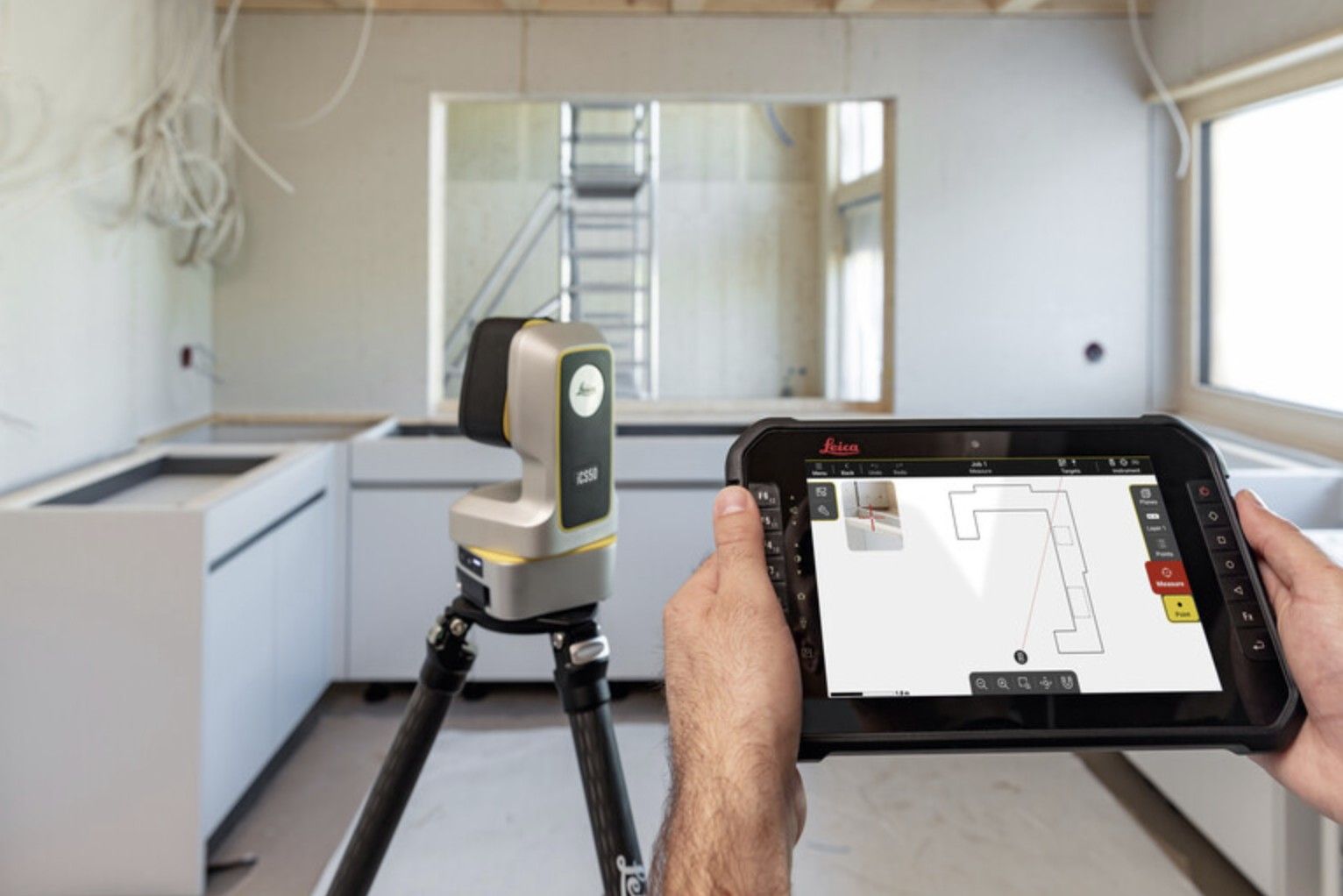
  • Why choose between a laser and a pen? The iCS50 is the robotic templating system that does both, from one setup.
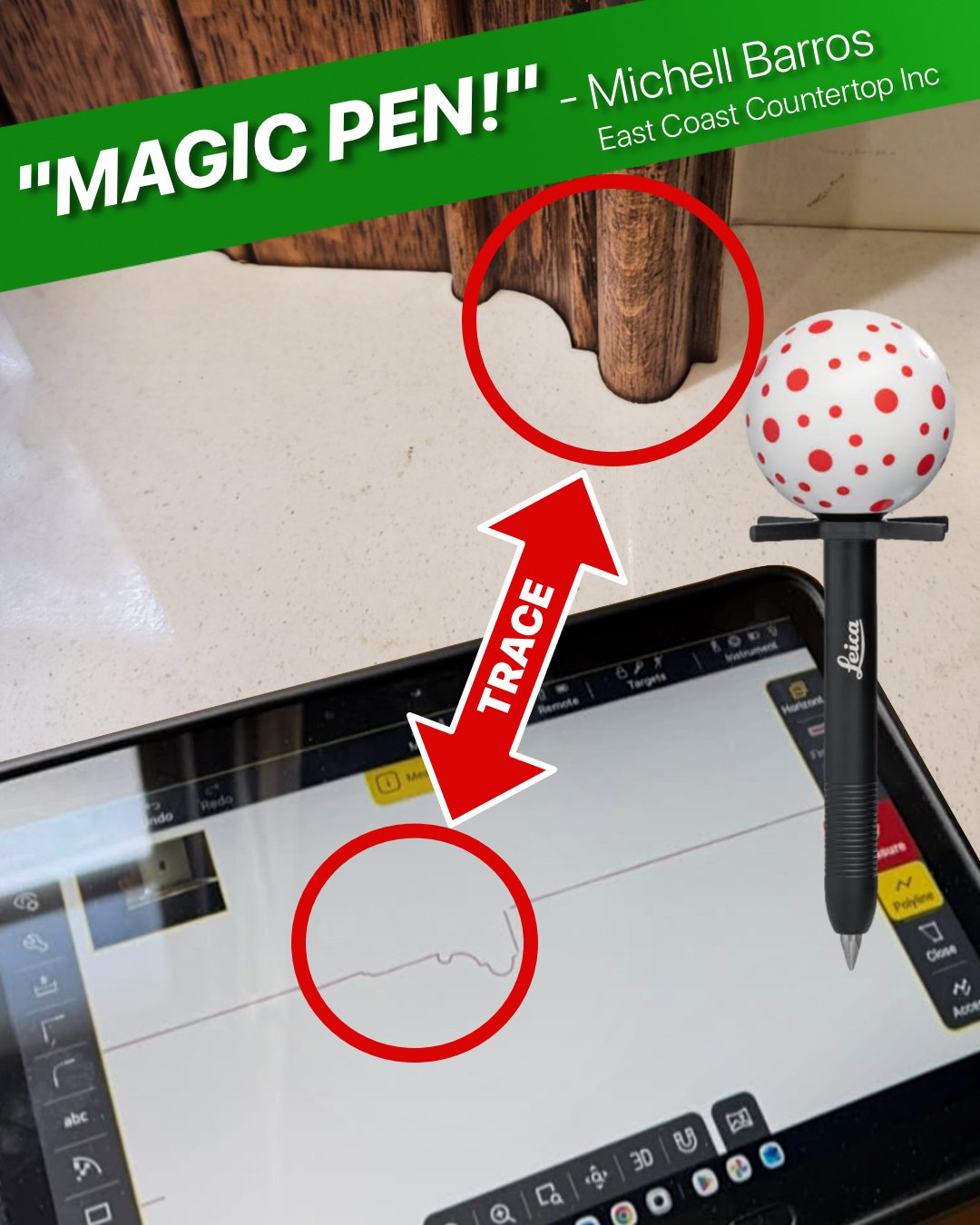
The VPen traces a fluted leg and the same profile appears on the tablet
Trace any shape · East Coast Countertop Inc
“Magic pen!”

Fluted legs, curves and radius corners: trace the edge with the VPen and the exact shape appears on the tablet. Michell Barros of East Coast Countertop Inc said it the first time the VPen traced a fluted leg.

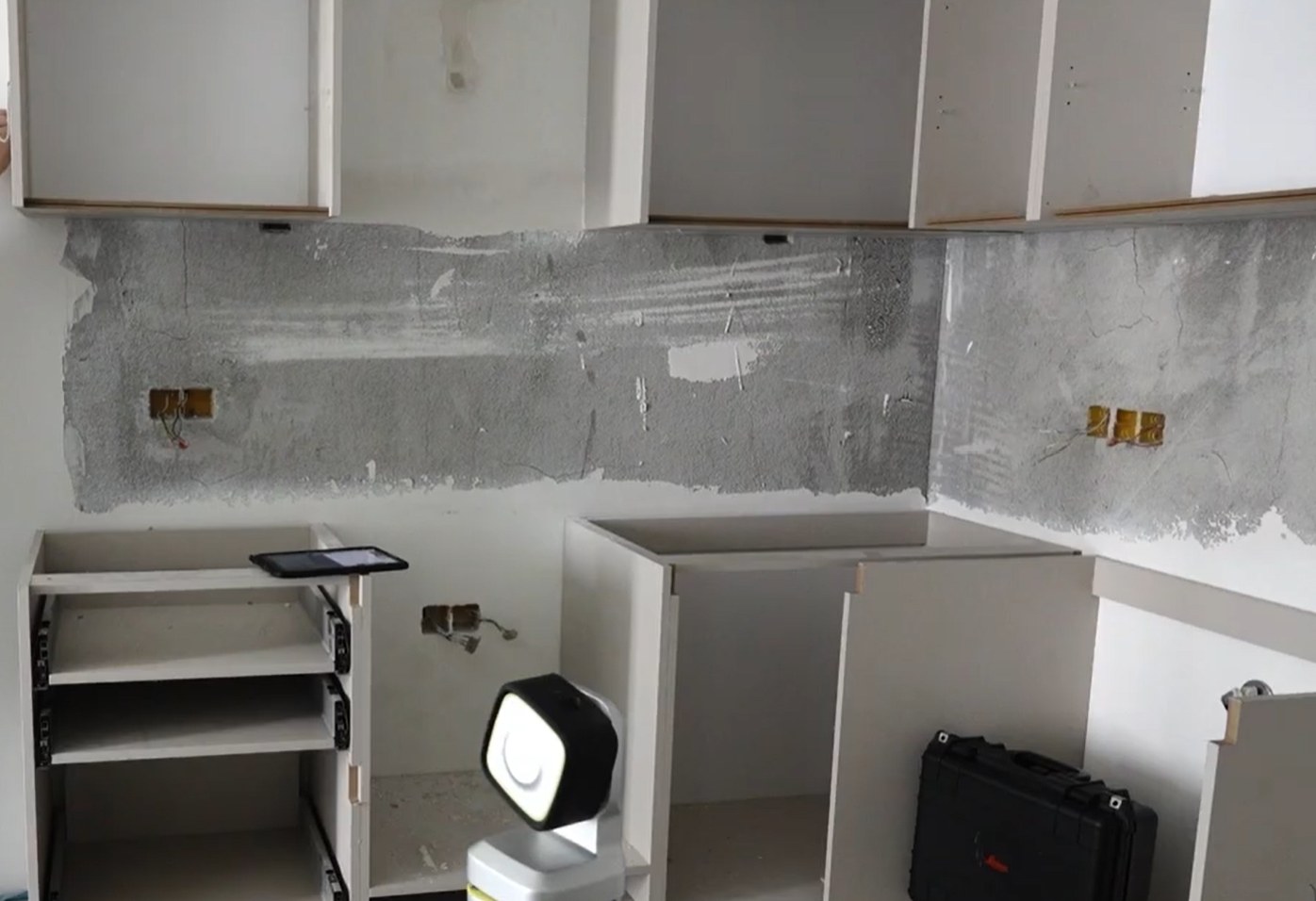
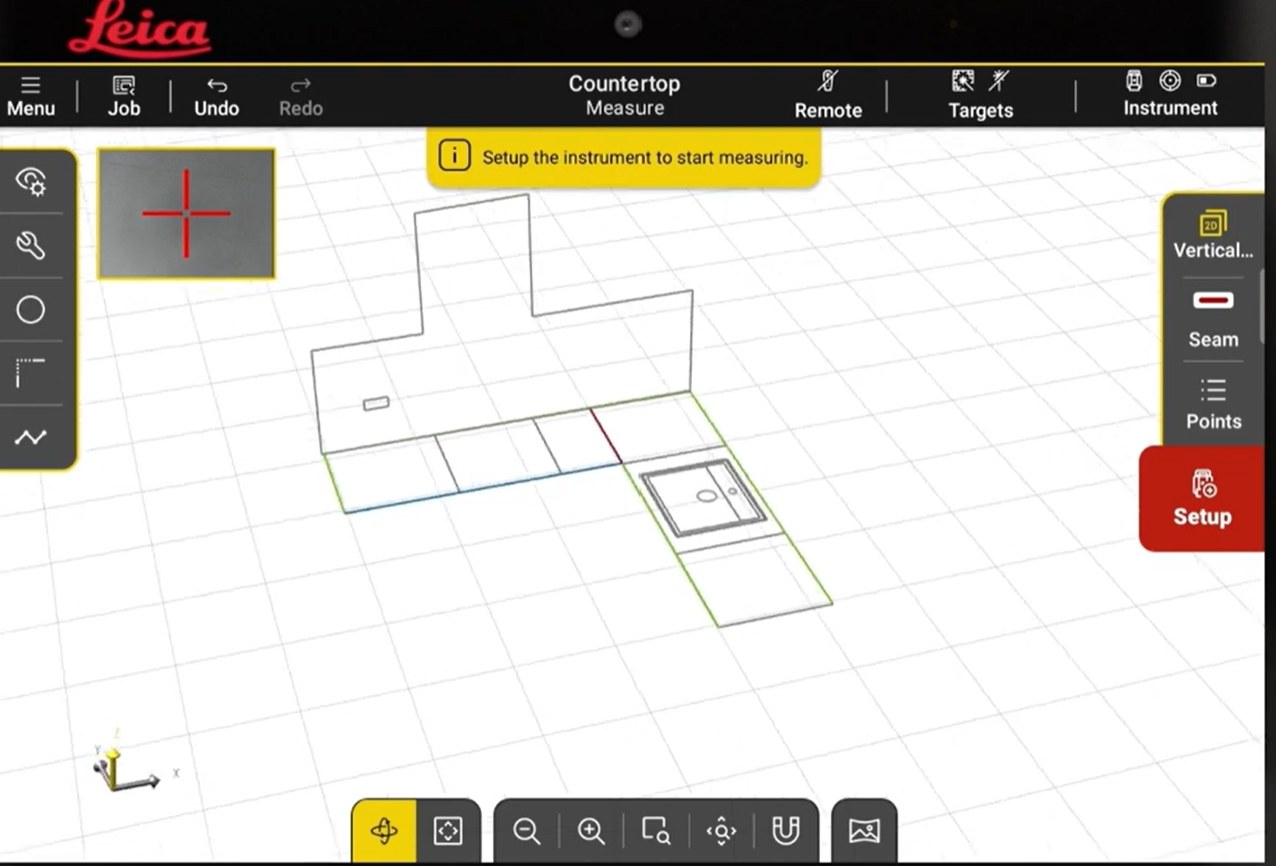
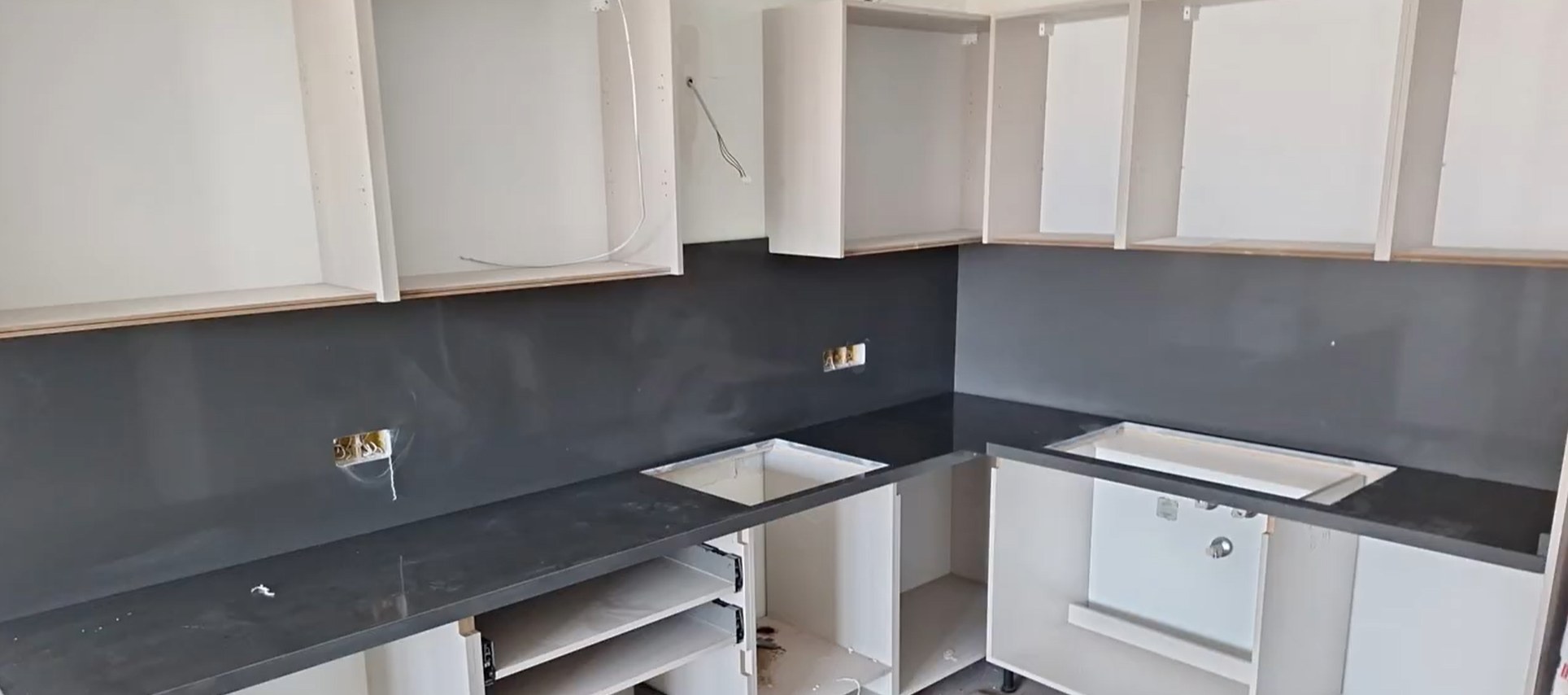
Countertops and full-height backsplash in one trip.

Templating day
Templating day
In iCON trades
In iCON trades
Install day
Install day
1 mm
VPen accuracy within 33 ft (10 m), about 1/32 in
No cable
between the pen and the iCS50
No targets
to set up for the laser
Under 5 min
from the case to the first point
Same day
DXF, ALPHACAM or Shop Sheet for the shop

From bare cabinets to a shop-ready file.

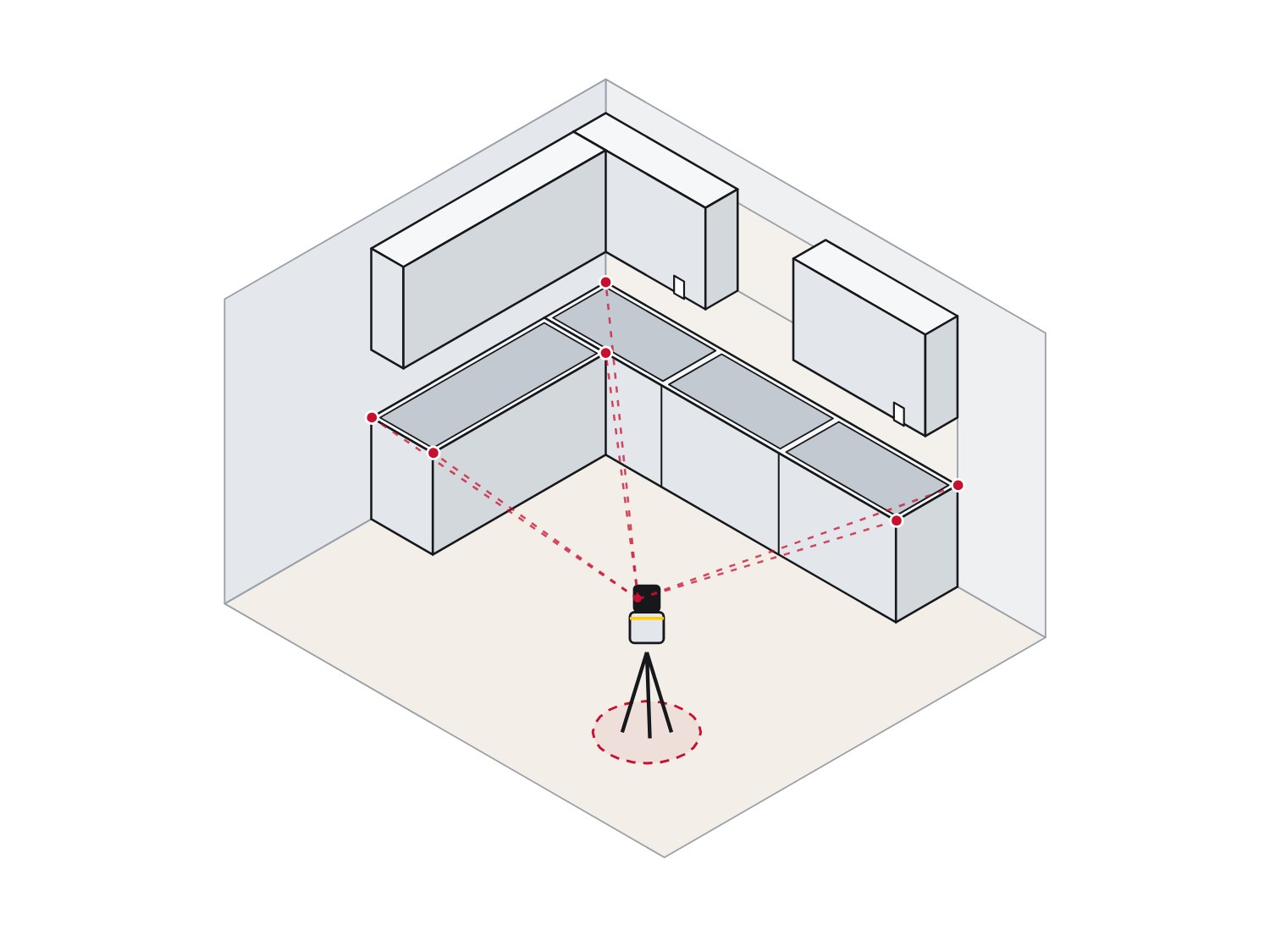
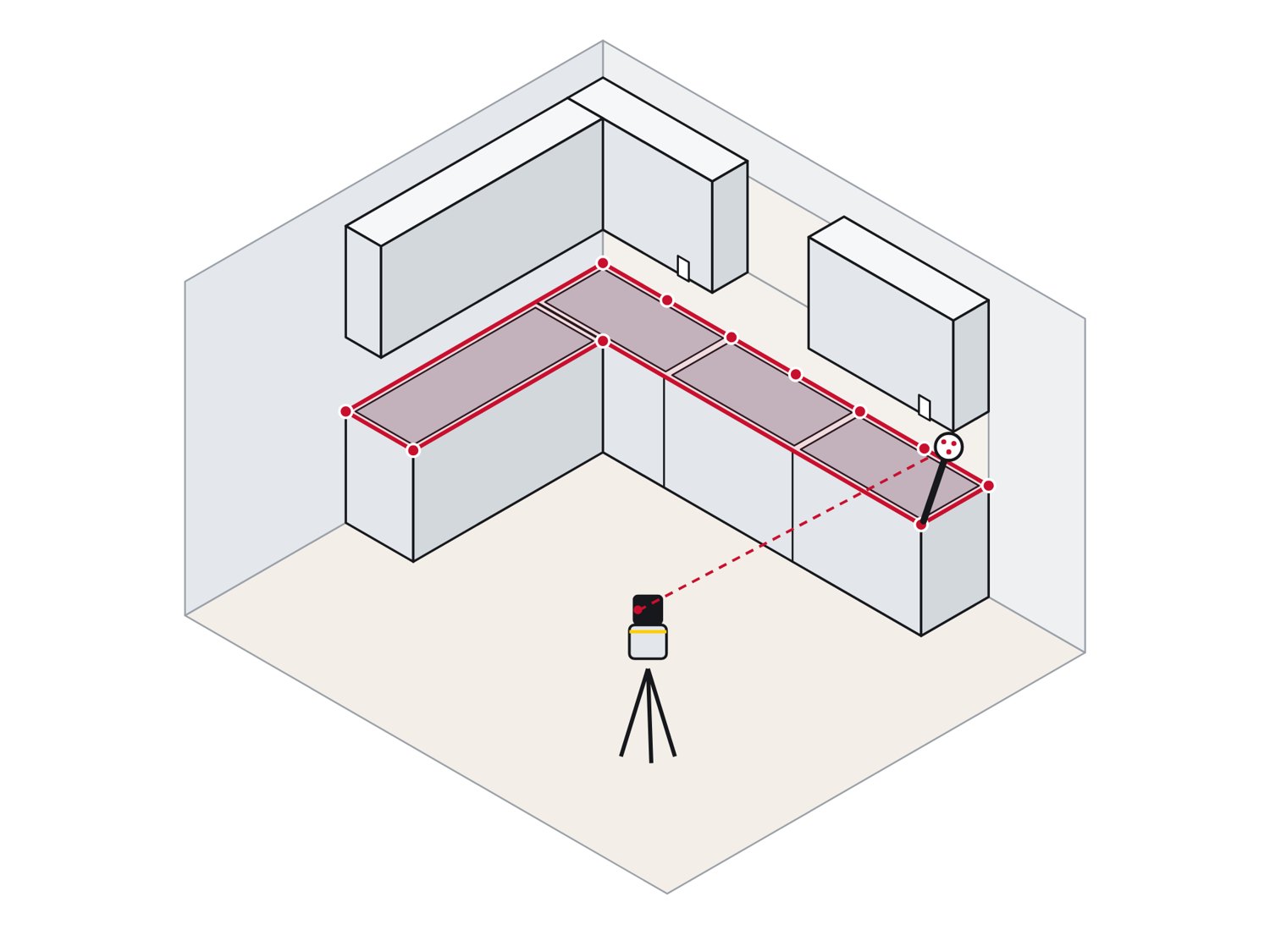
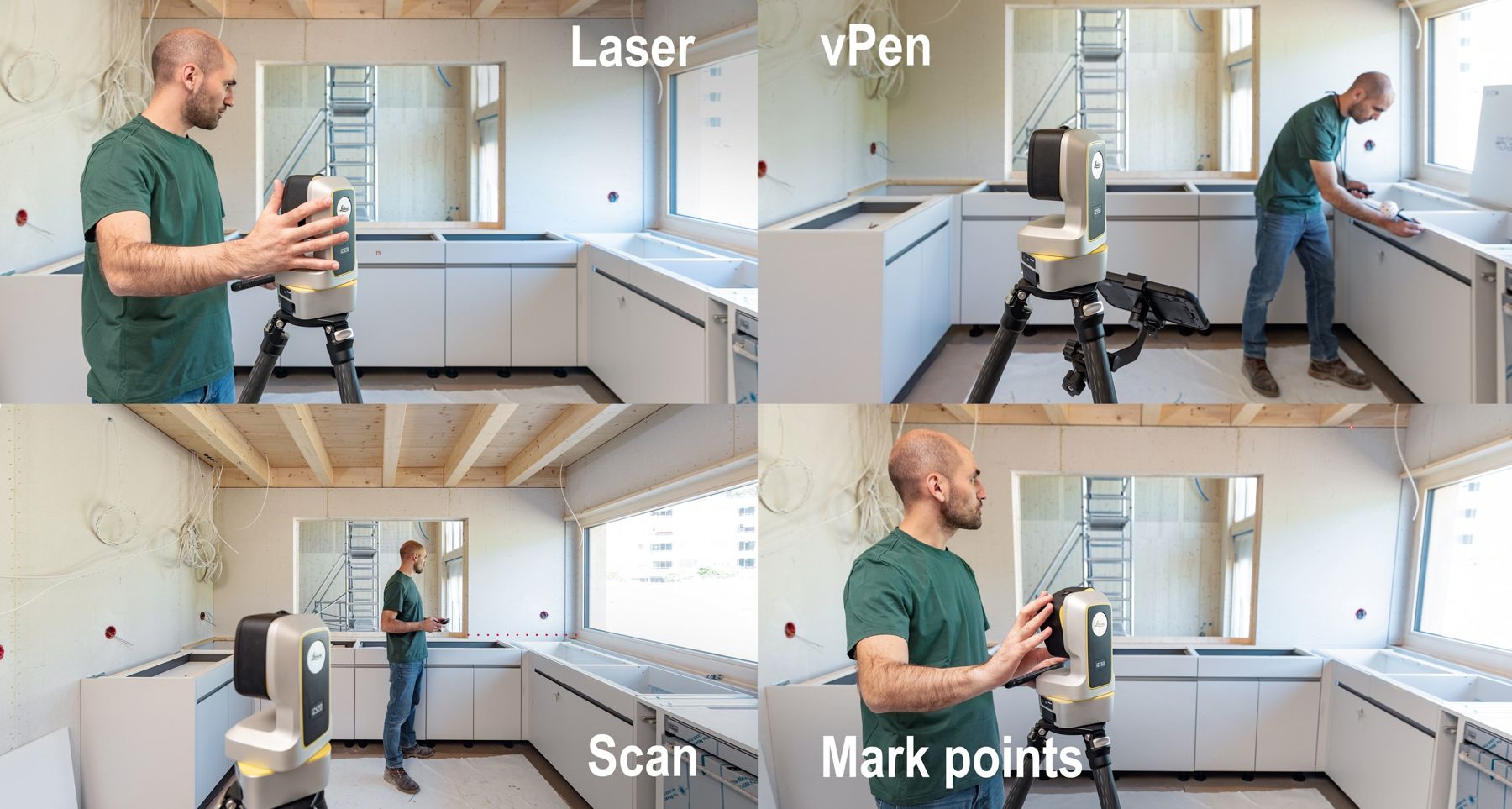
The iCS50 on the open side of an L-shaped kitchen, sight lines to every runStep 1
Set up where it sees the kitchen
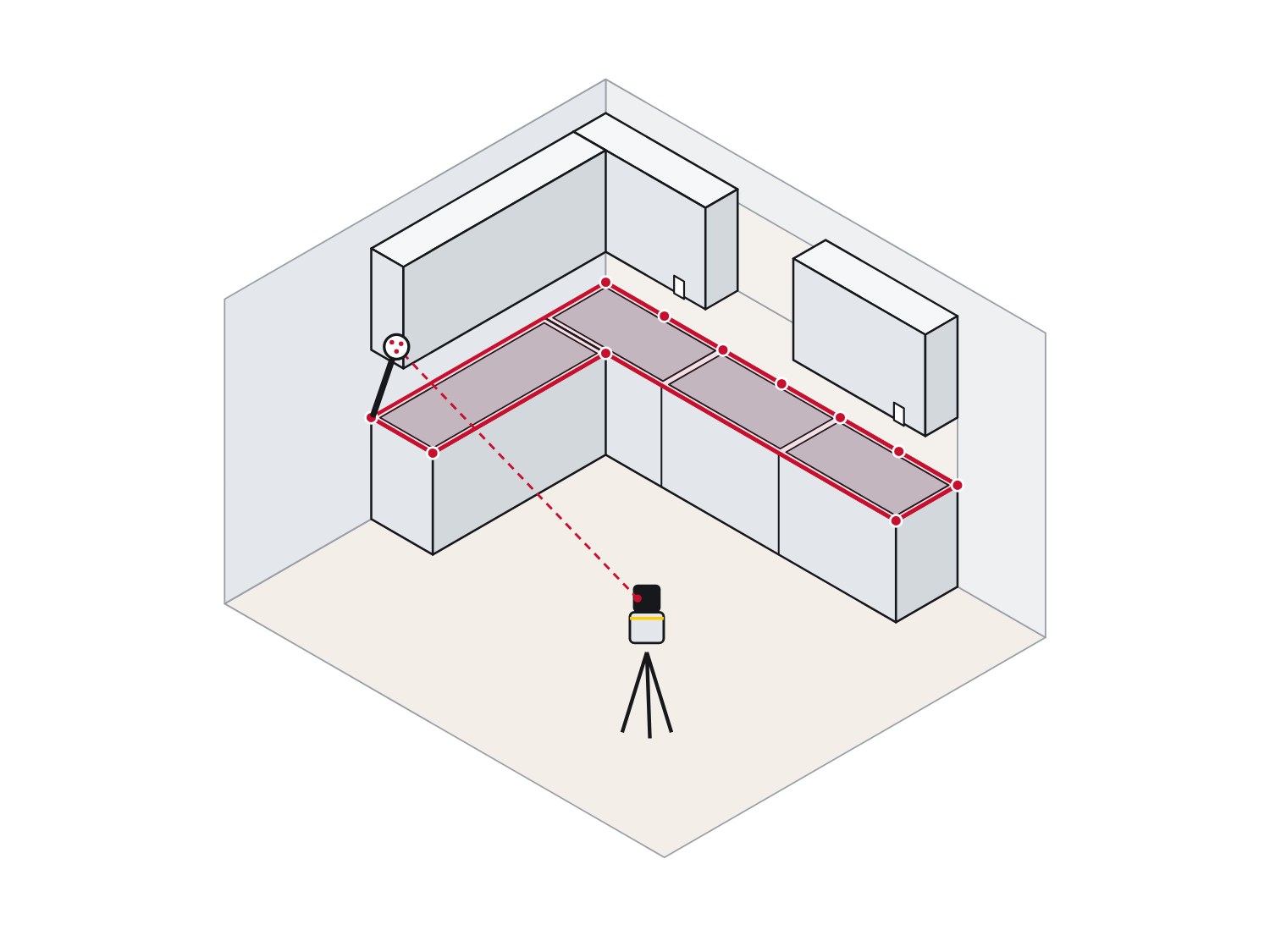
The VPen on the end of the run, with points along the wall line and front edgeStep 2
Touch and measure with the VPen
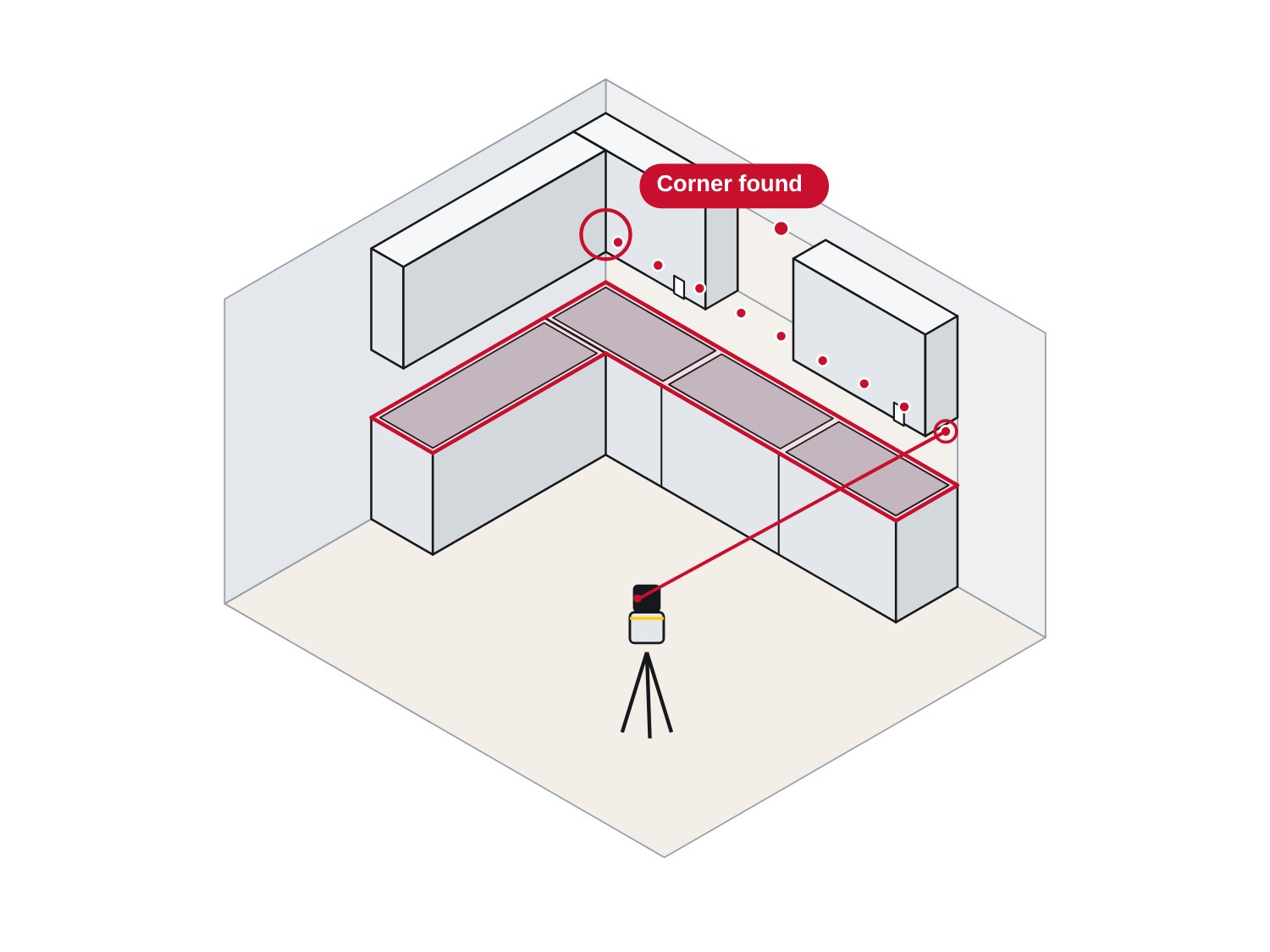
The laser scanning a line along the wall, with the corner found automaticallyStep 3
Swap to the laser
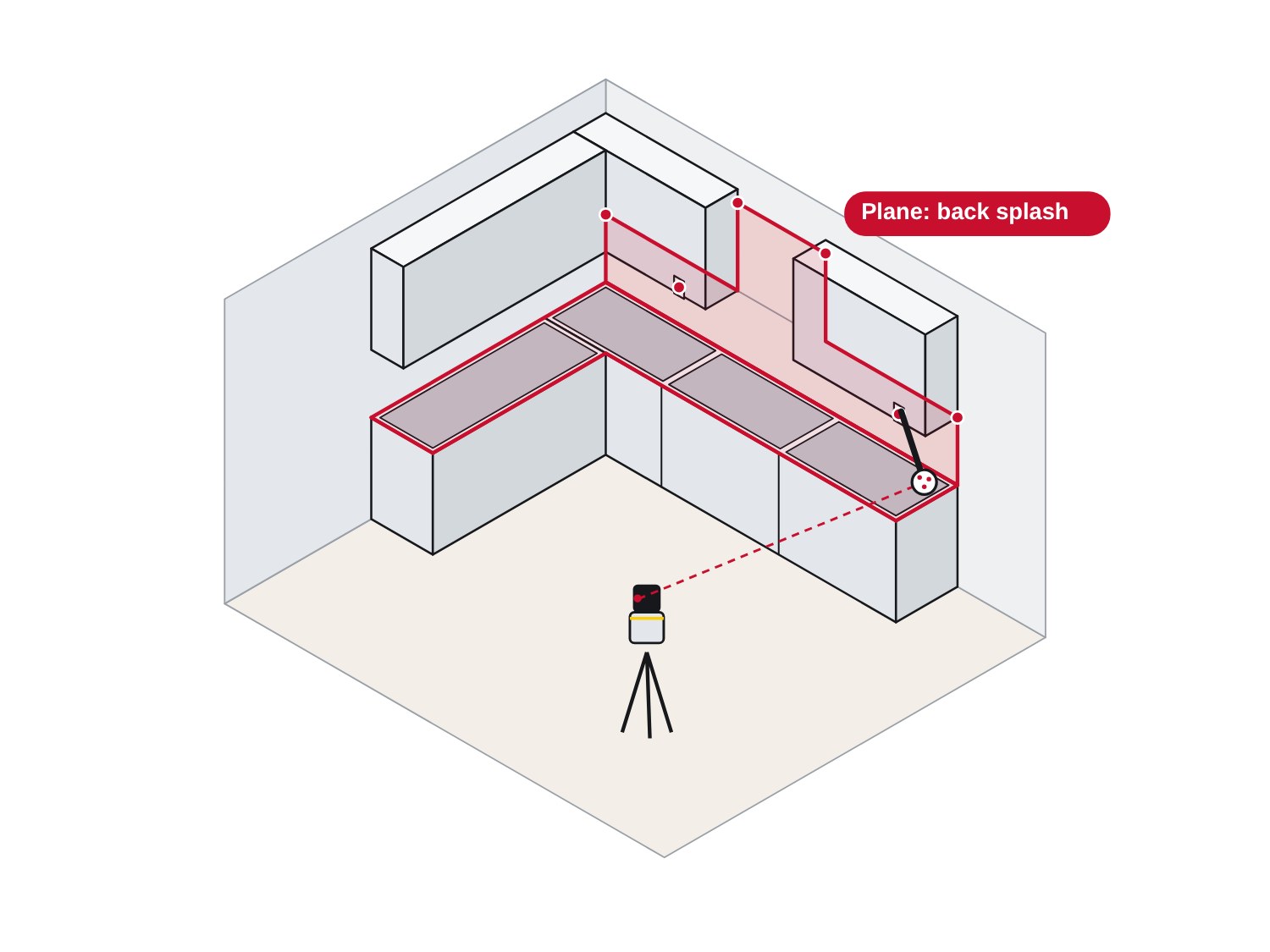
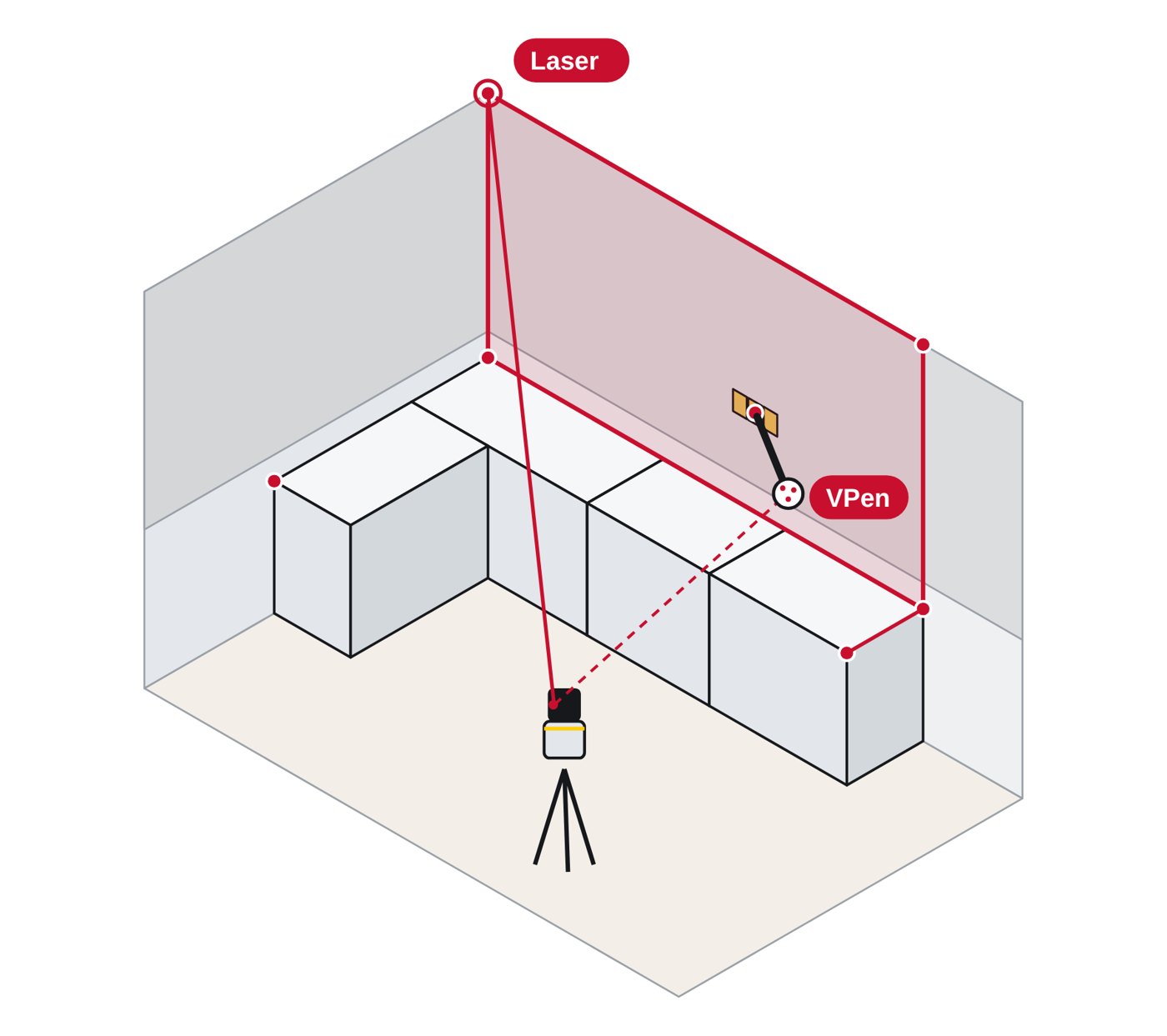
A new plane on the back splash wall, with outlets as pointsStep 4
Switch planes for the splash
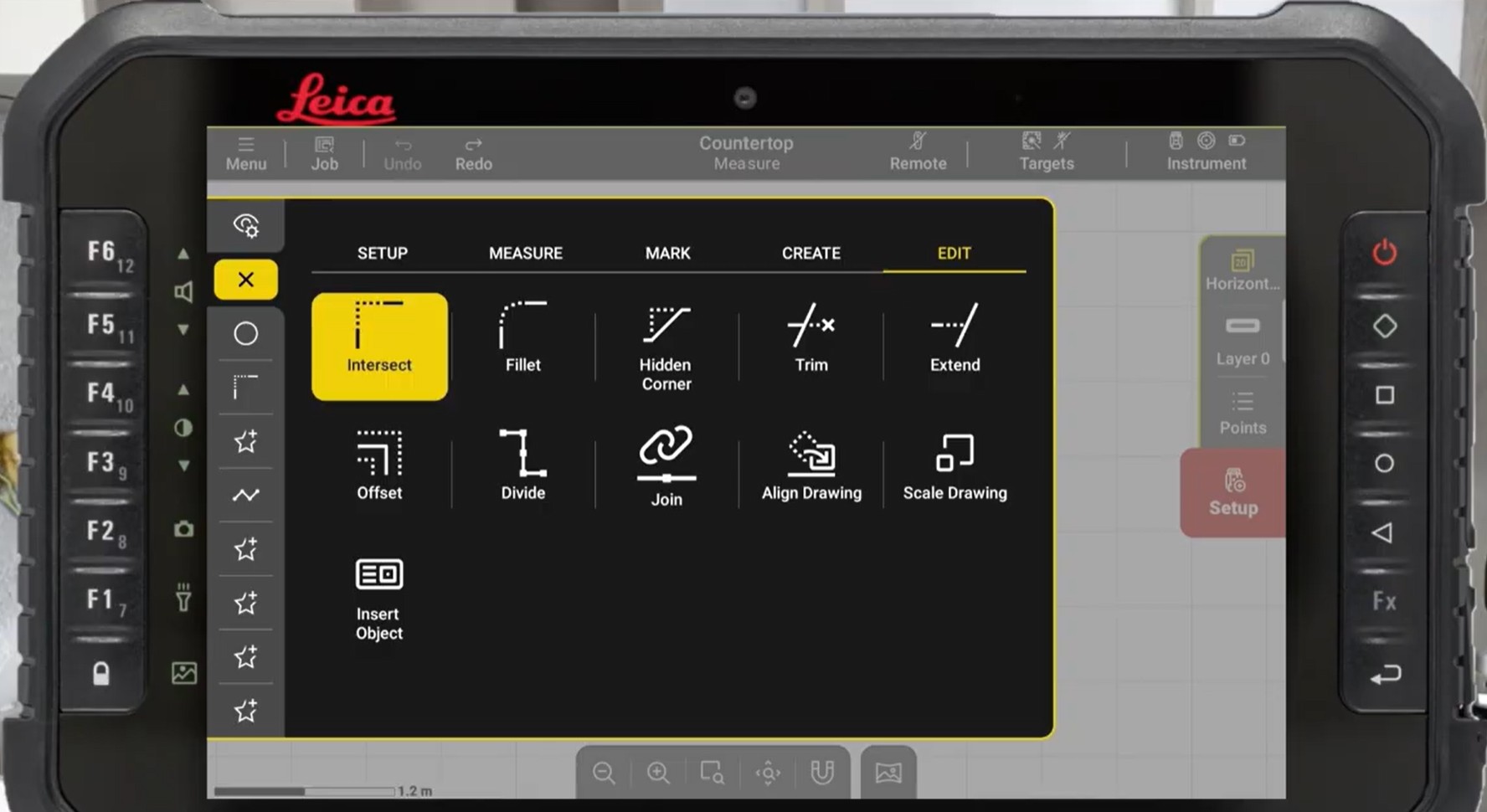
iCON trades on the tablet: the Edit menu with Intersect, Fillet, Trim, Extend, Join and Insert ObjectStep 5
Edit on site
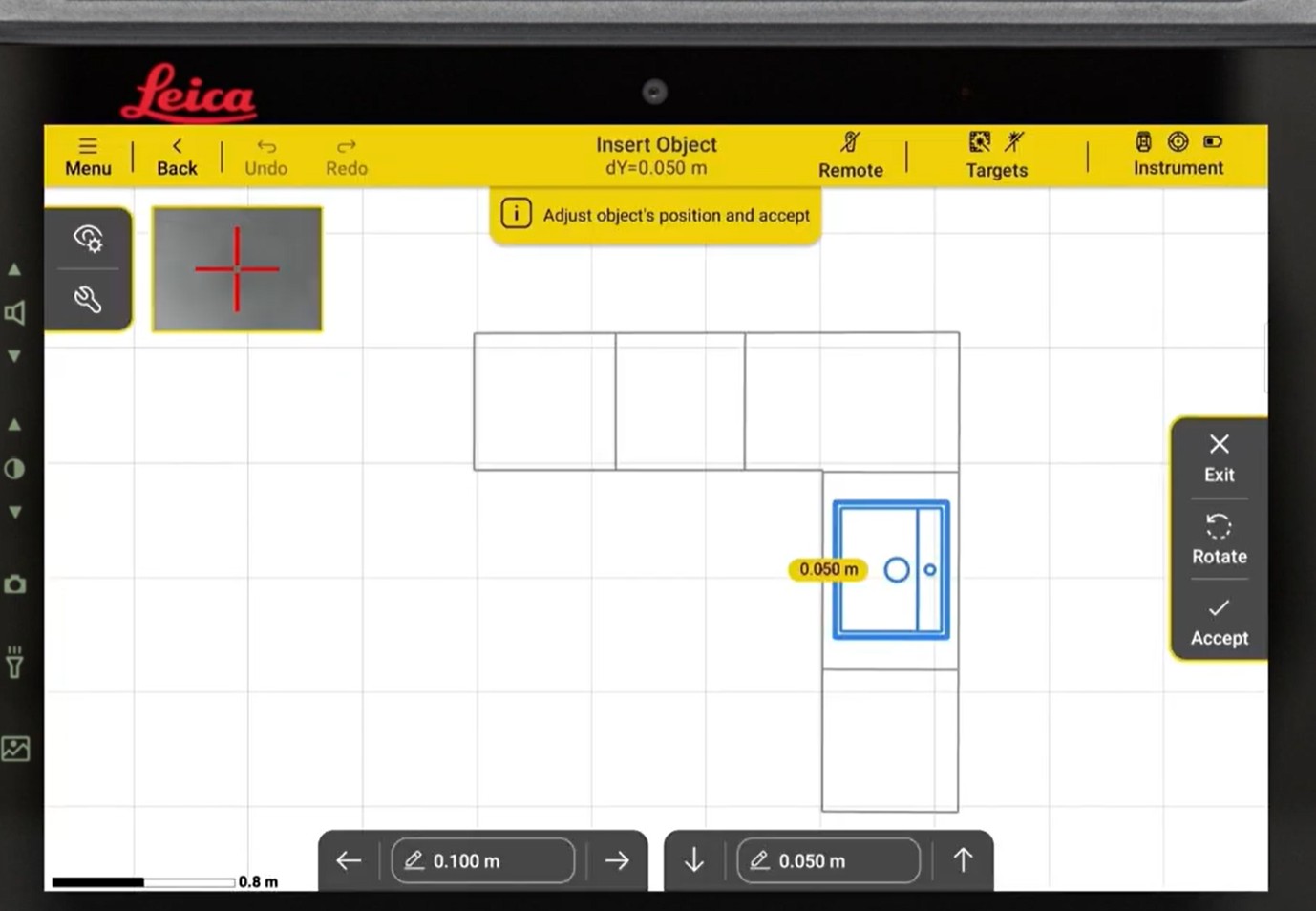
iCON trades on the tablet: a sink inserted from the library into the L-shaped topStep 6
Drop in the sink
iCON trades on the tablet: the L-shaped tops, sink and full-height splash in 3DStep 7
Check in 3D. Export.

Measure anything. Compromise nothing.

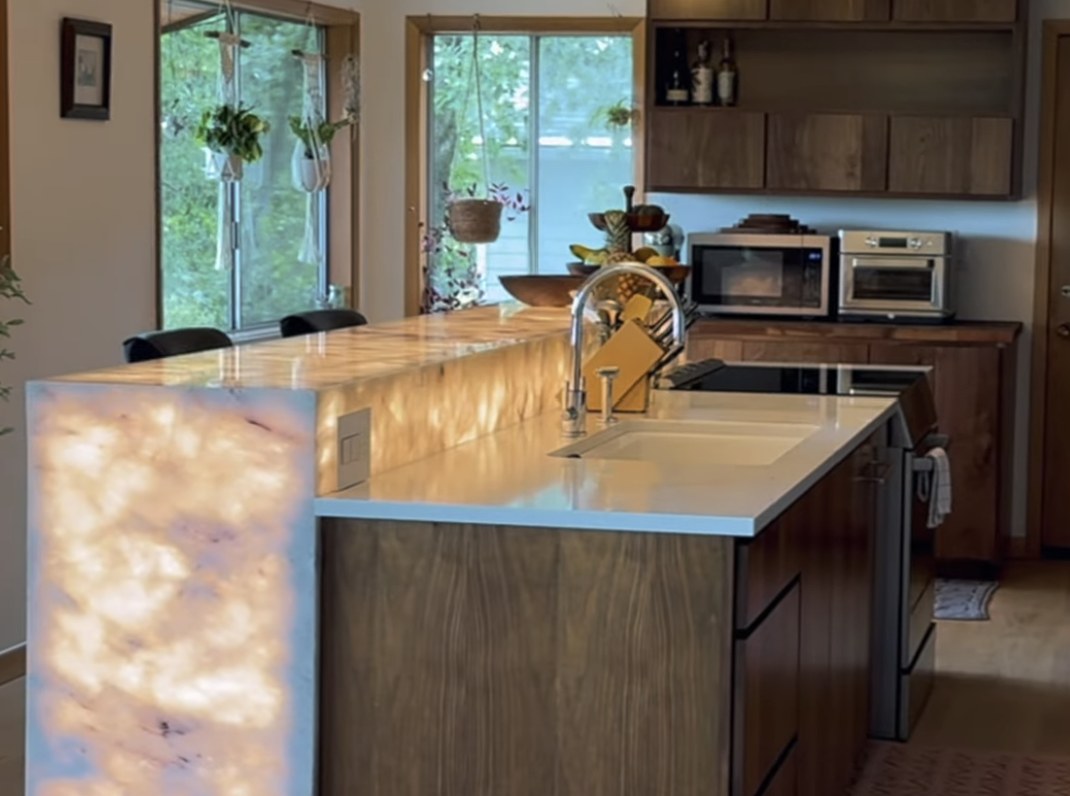
Kitchens: illustration
Kitchens: on a real job

Kitchens

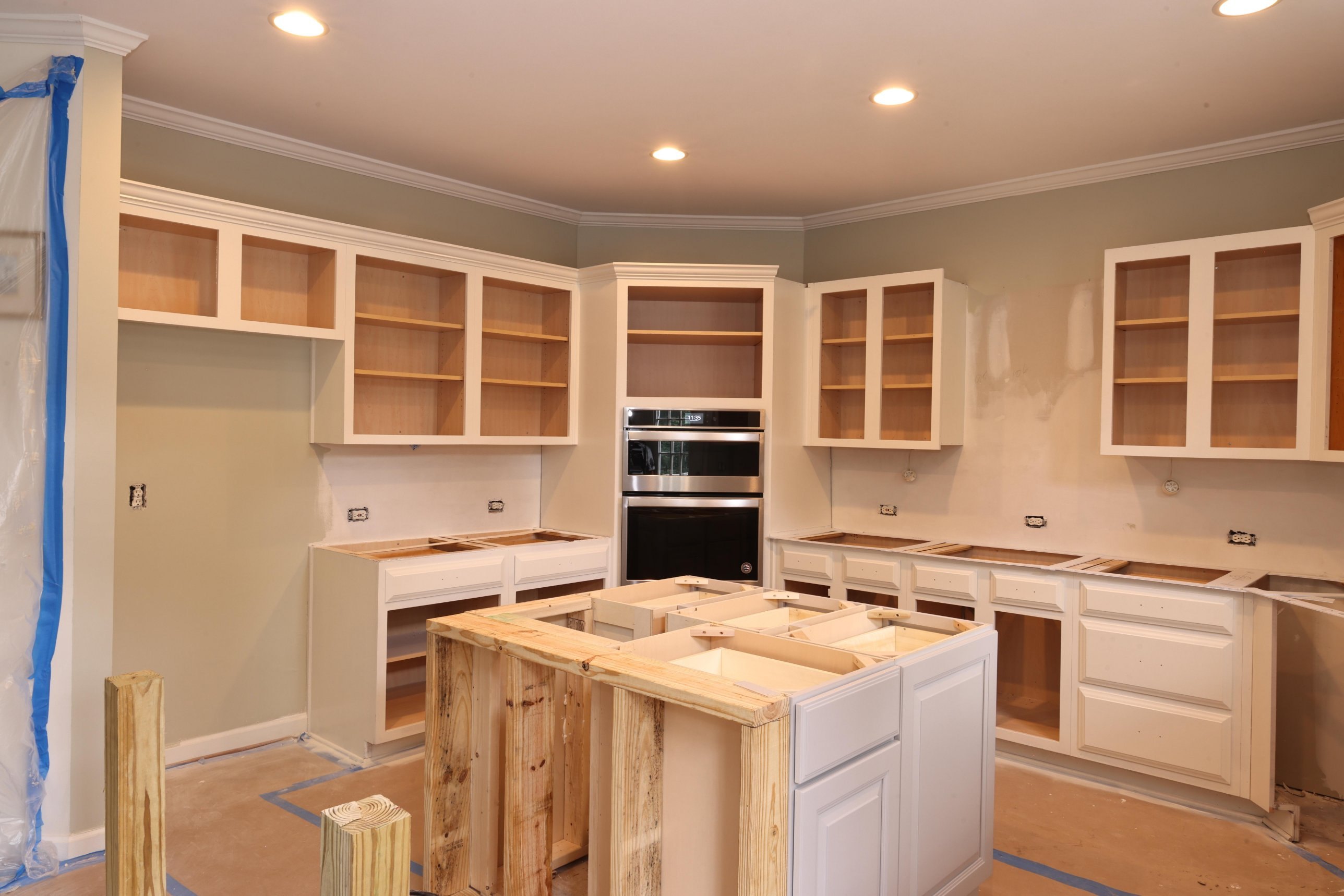
  • Cabinet faces, corner to corner
  • Wall line: a point every 16 in, closer for a tight scribe
  • Sink, cooktop and faucet locations, seams where the customer agreed
Full-height splashes: illustration
Full-height splashes: on a real job

Full-height splashes

  • The whole wall on its own plane
  • Every outlet and switch as points
  • The cabinet run and the splash in one file
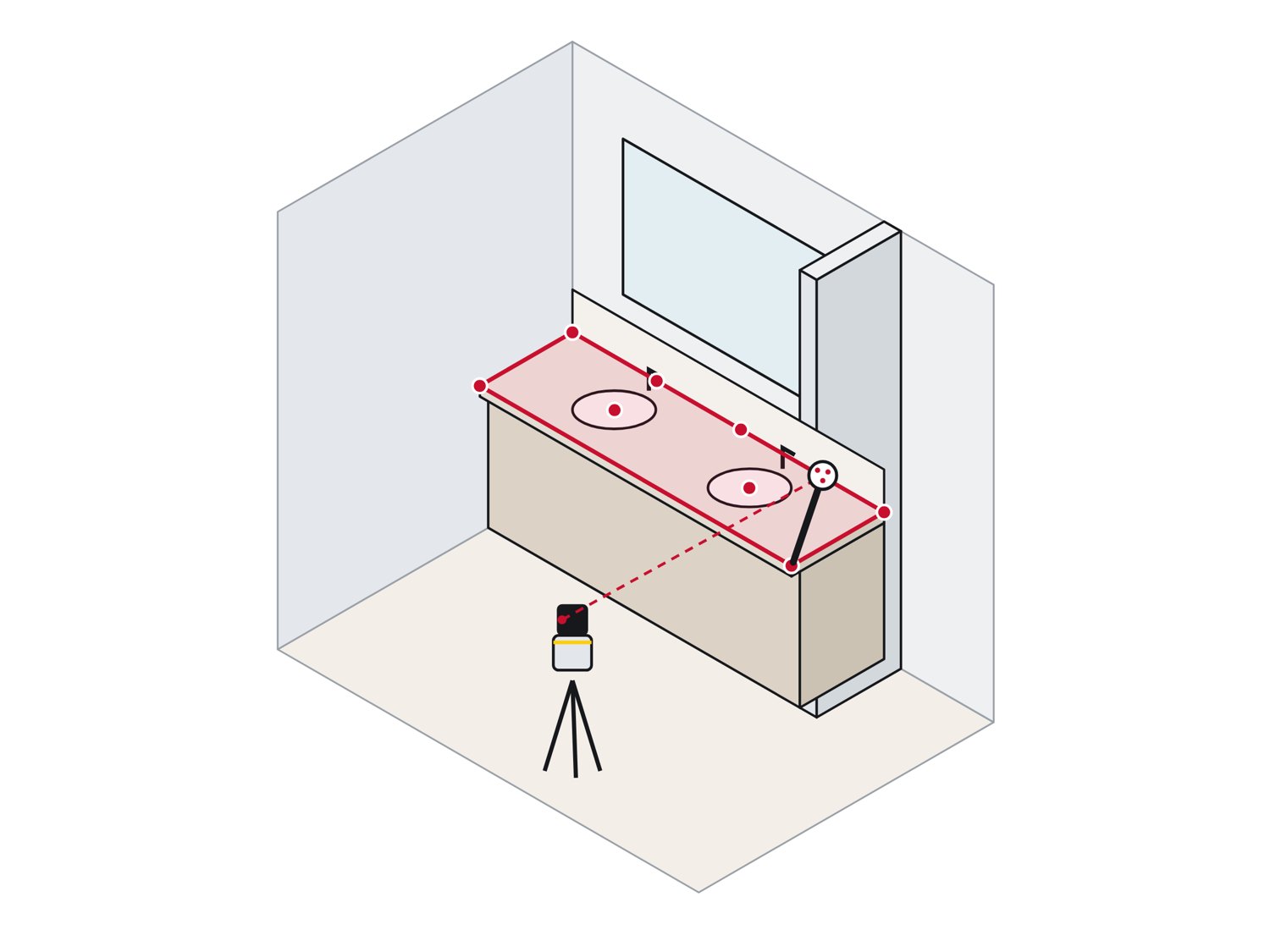
Vanities: illustration
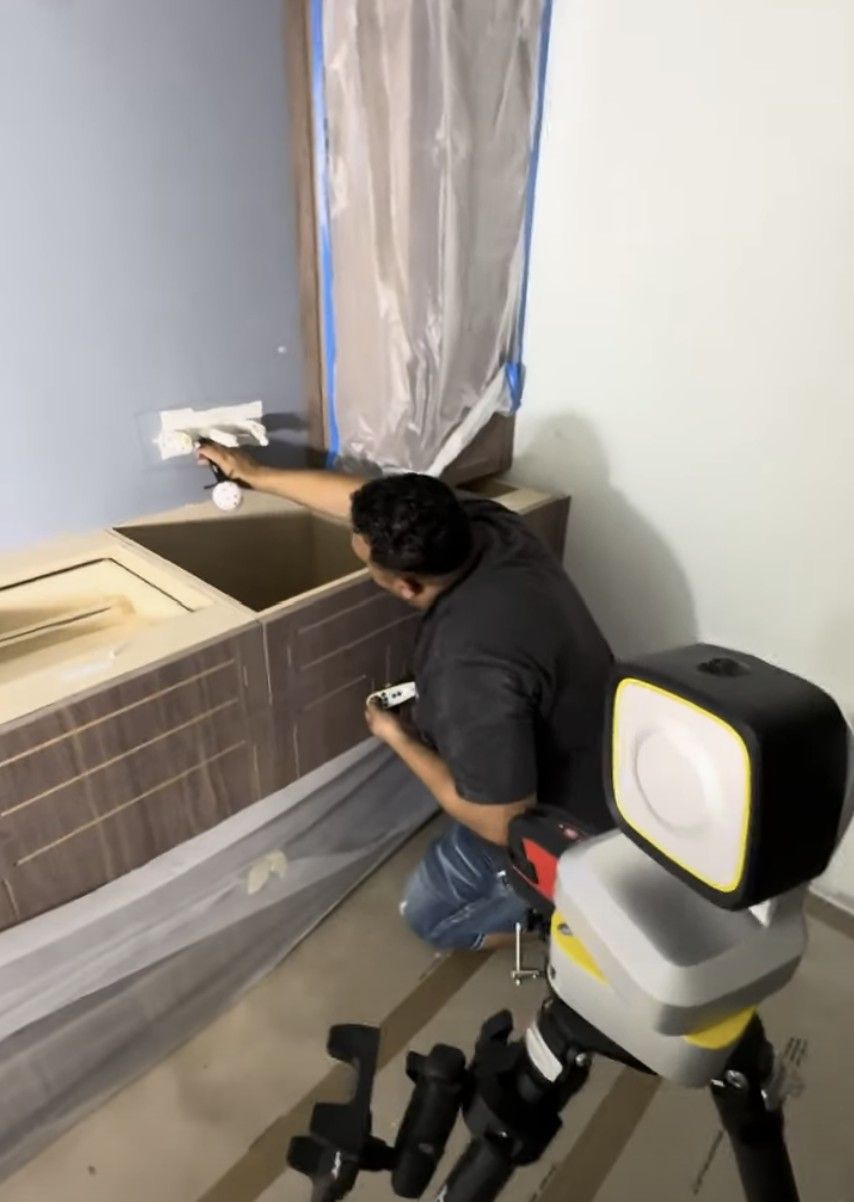
Vanities: on a real job

Vanities

  • Wall to wall, with the scribe at both ends
  • Sink and faucet centers as points
  • Back splash and side splash in the same job
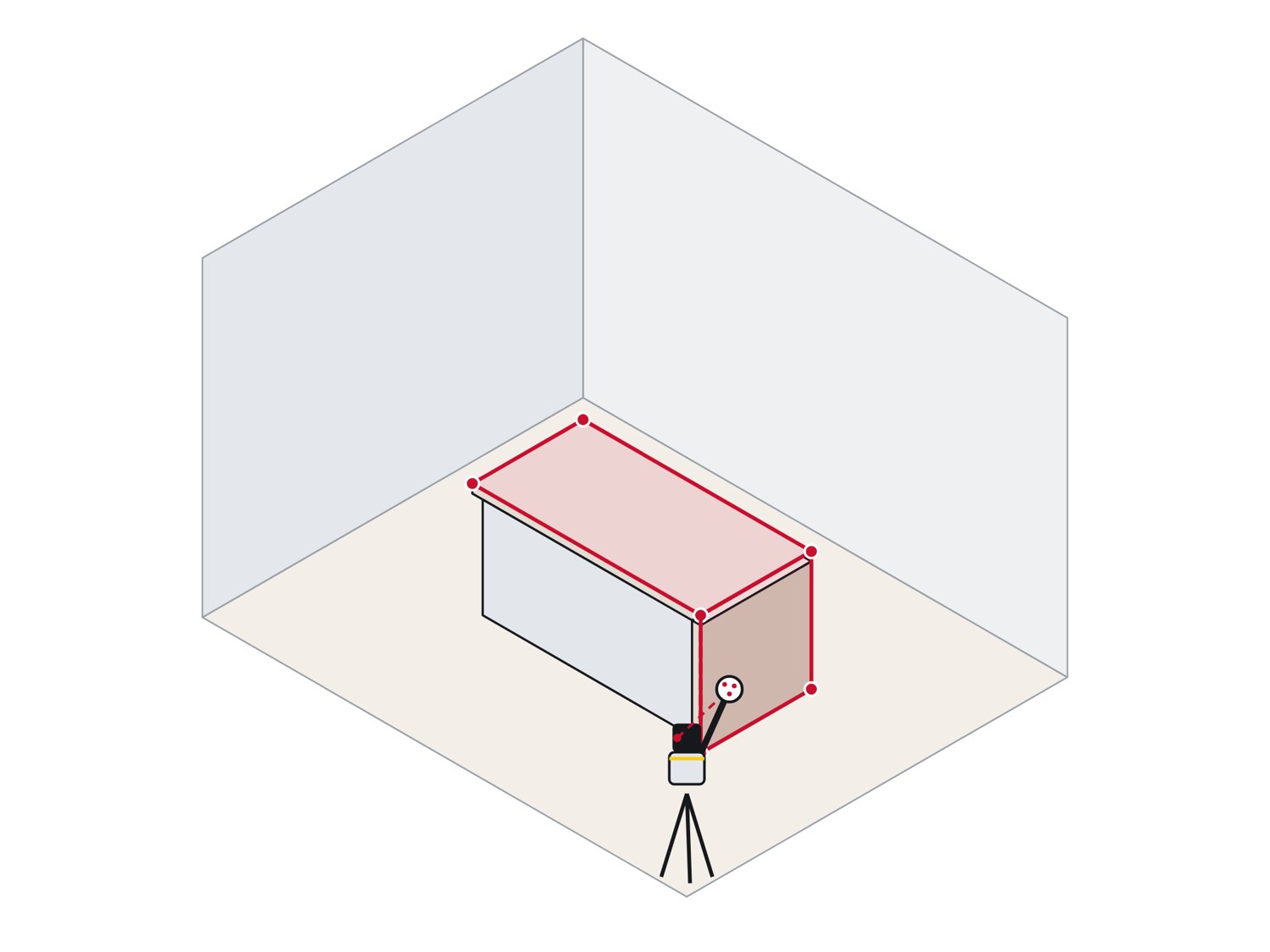
Waterfall islands: illustration
Waterfall islands: on a real job

Waterfall islands

  • The top and the waterfall leg measured in 3D
  • Leg height to the real floor, level or not
  • Miter lengths come from the drawing, not a tape
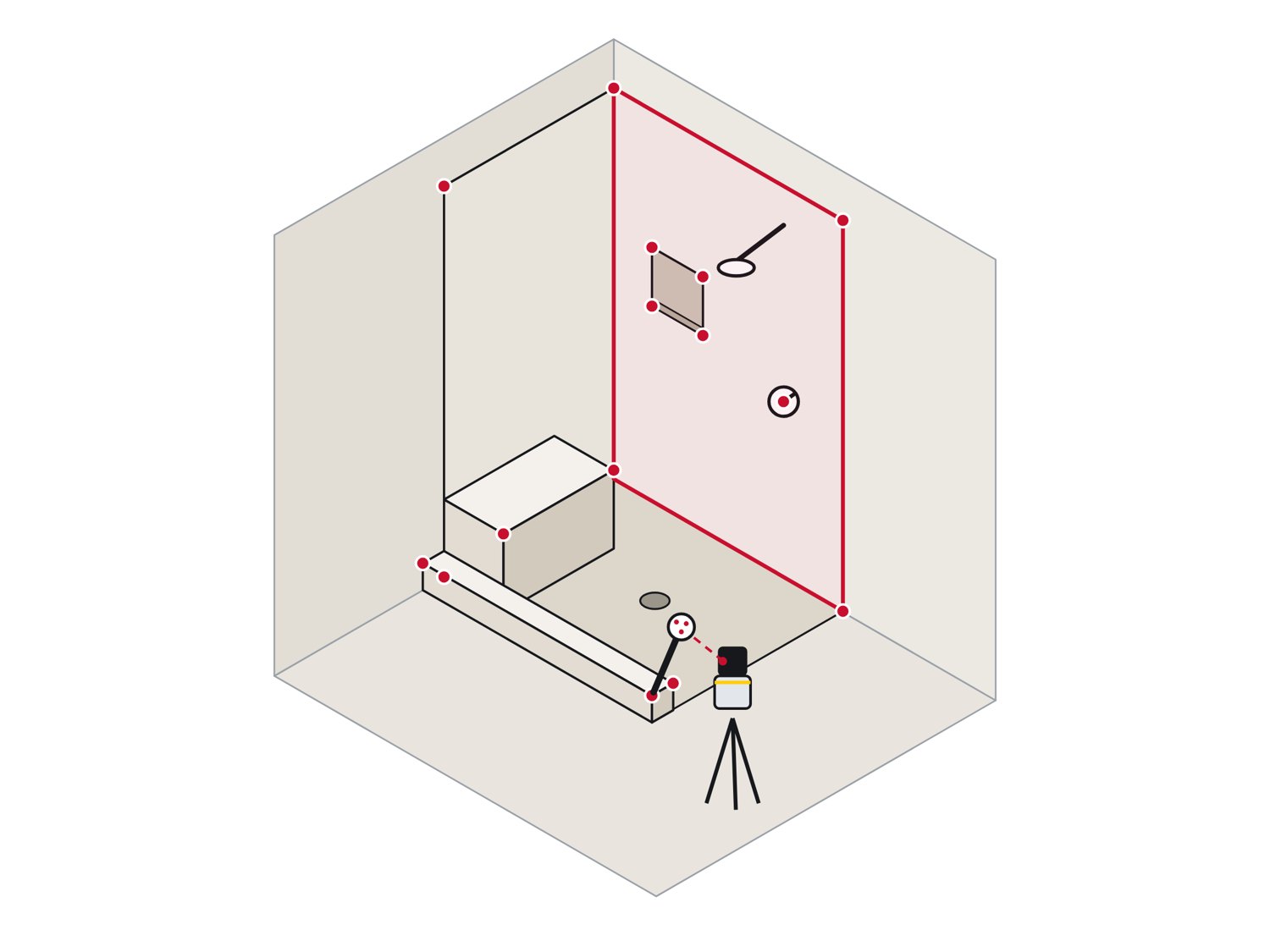
Showers: illustration
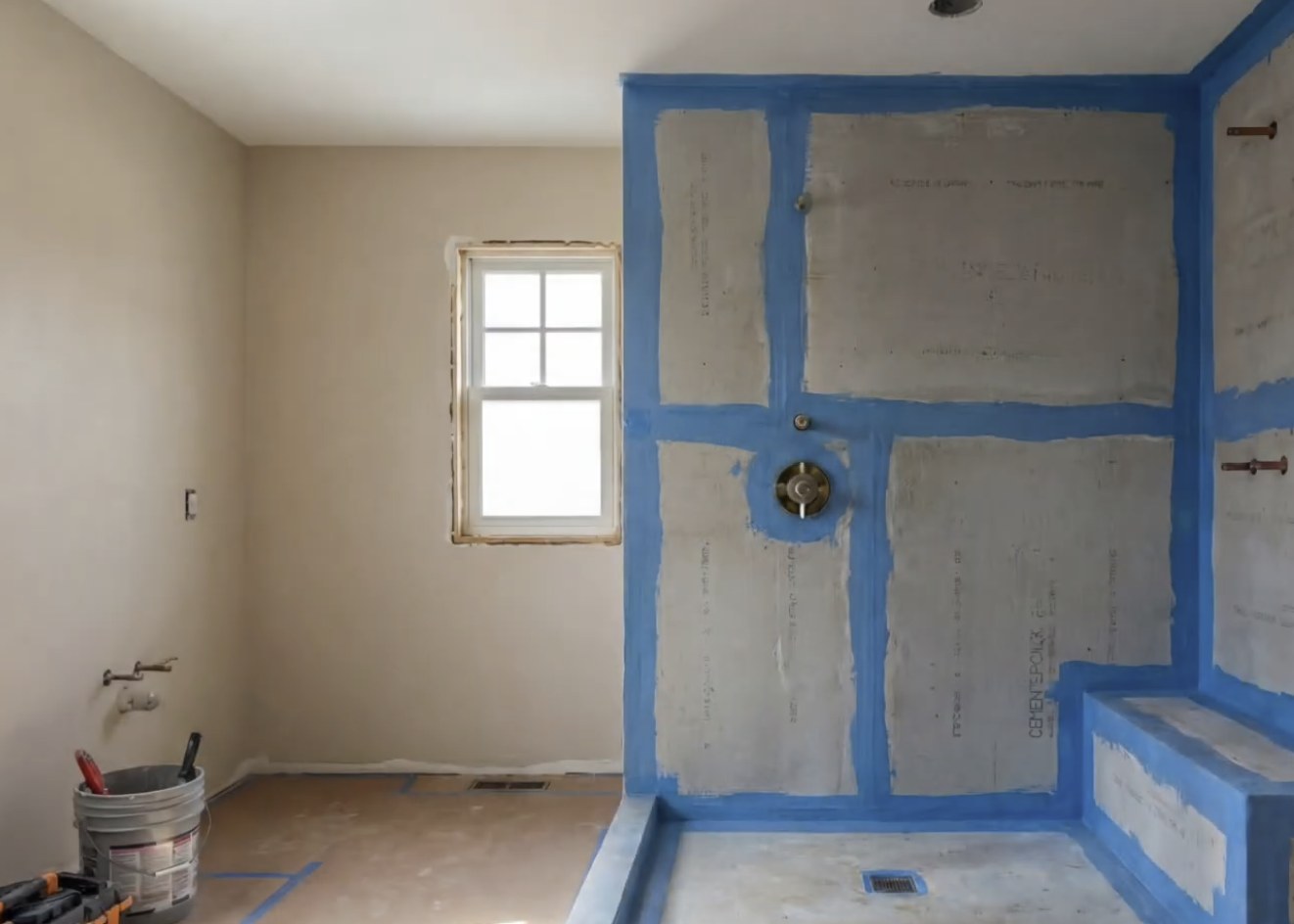
Showers: Templating dayTemplating day
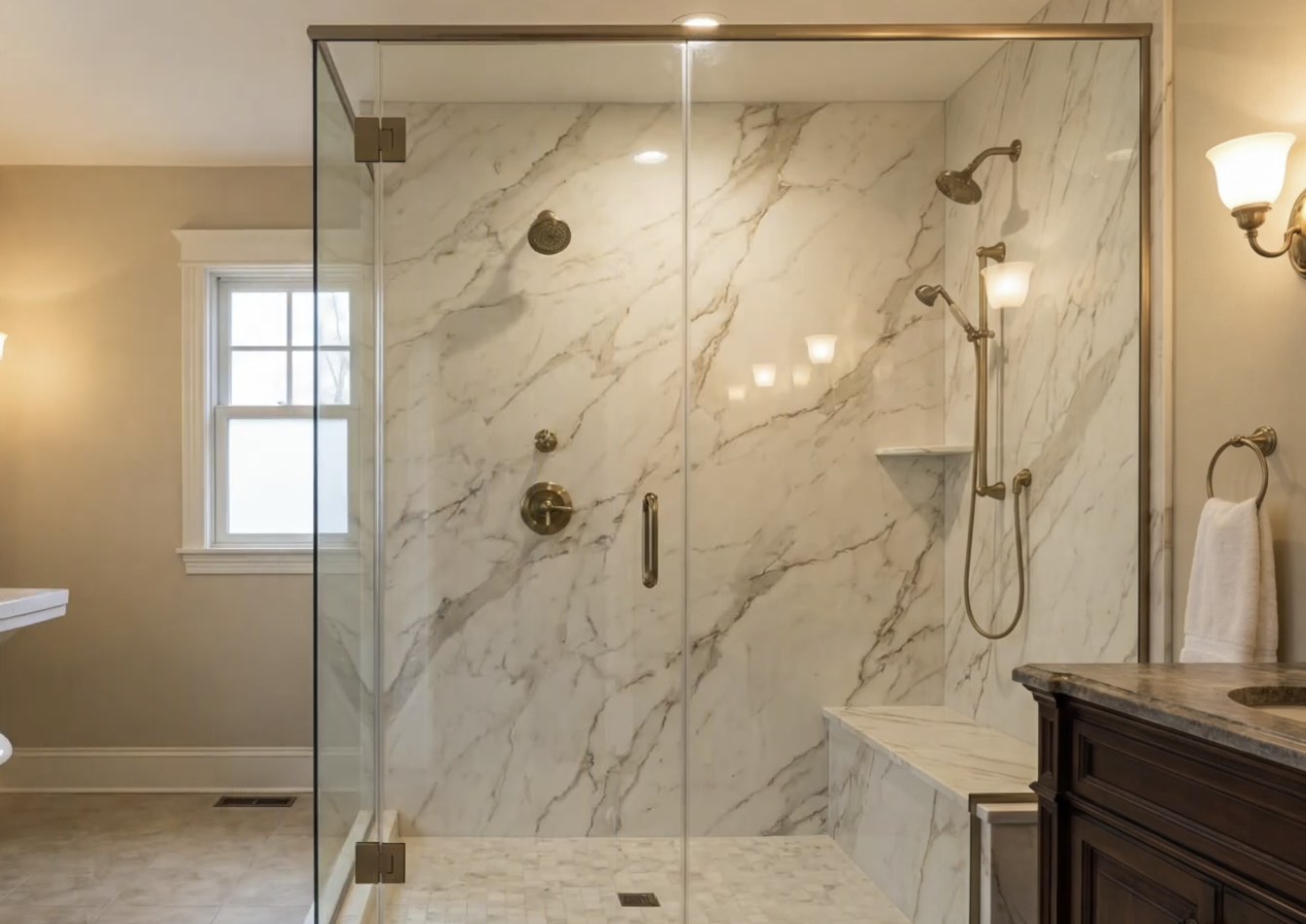
Showers: Install dayInstall day

Showers

Full stone walls need every wall true. Measure the backer board, the curb and the bench, and the panels fit the first time.
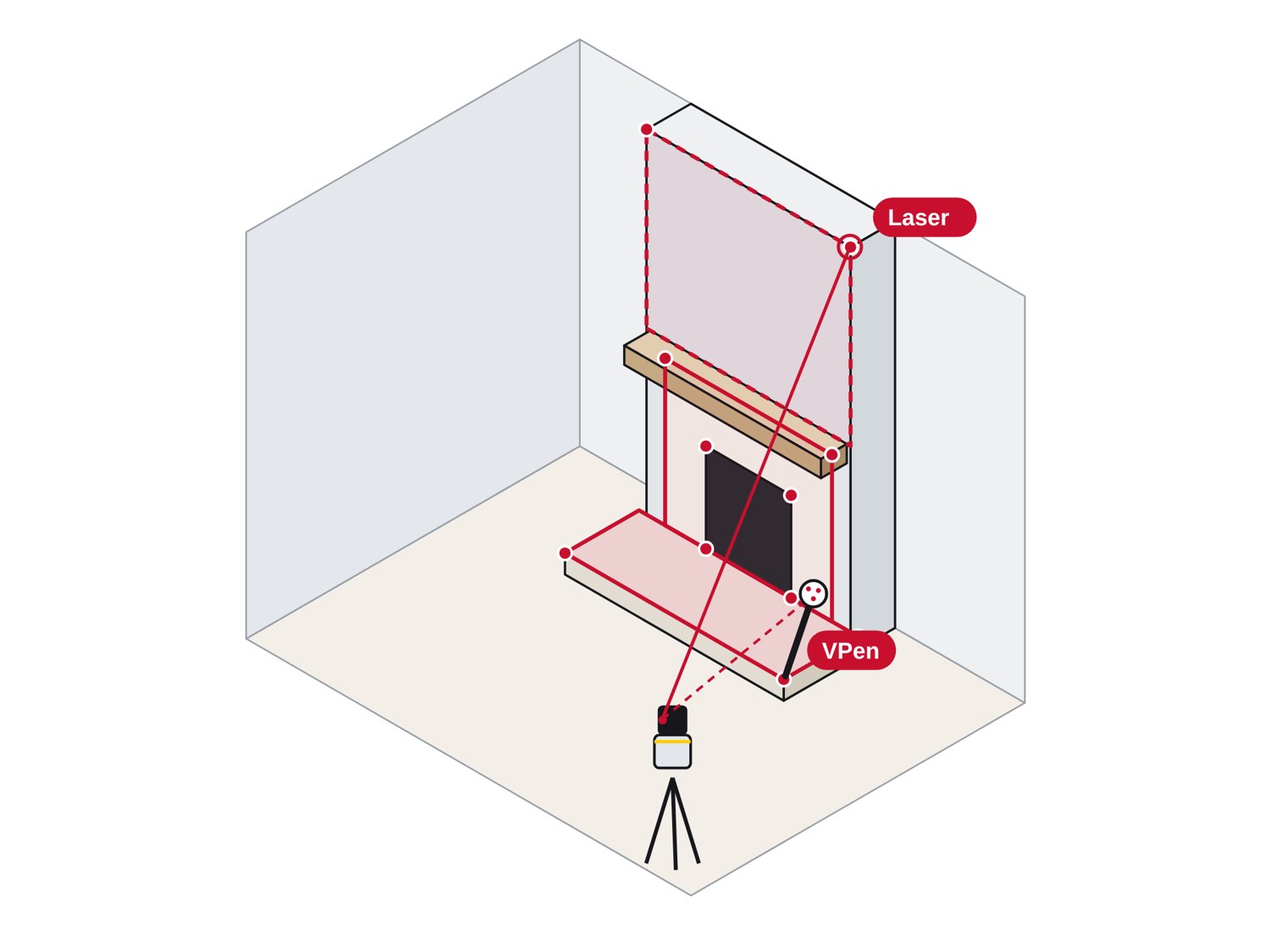
  • Each wall checked for plumb, top and bottom
  • Valve and shower head as points
  • Curb and bench in the same drawing
Fireplaces: illustration
Fireplaces: Framed wallFramed wall
Fireplaces: VPen in handVPen in hand

Fireplaces

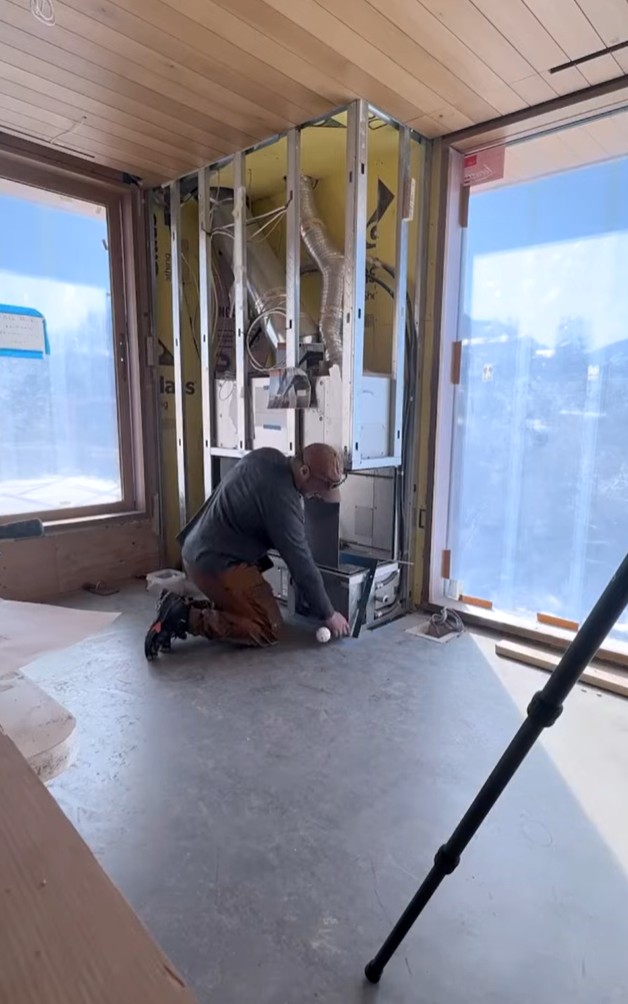
The pen on the framing, the point on the tablet. The opening, the corners at the ceiling and the floor line go into one front-face drawing for the stone.
  • Surround on a vertical plane, hearth on a horizontal one
  • Firebox opening and mantel line from one setup
  • No cardboard taped to a sooty wall
Outdoor kitchens: illustration
Outdoor kitchens: Install dayInstall day
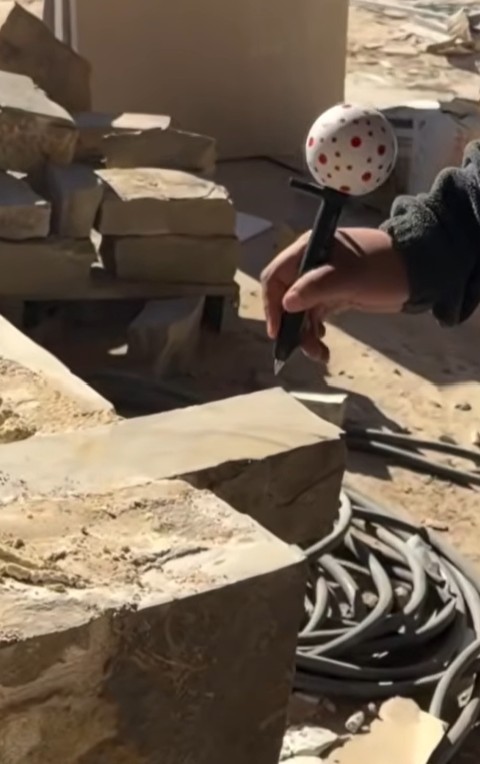
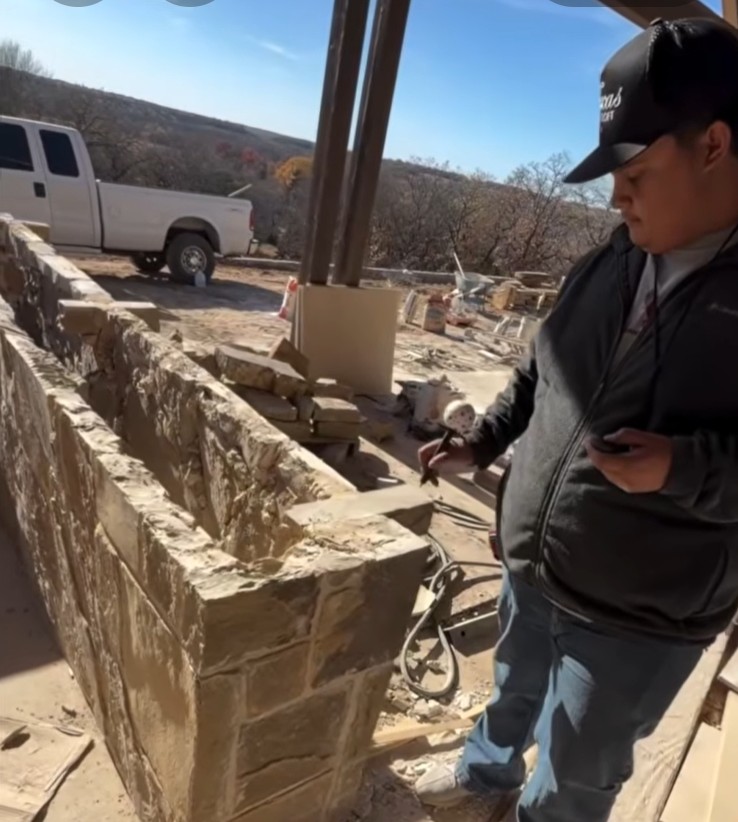
Outdoor kitchens: The VPen on the stone blockThe VPen on the stone block

Outdoor kitchens

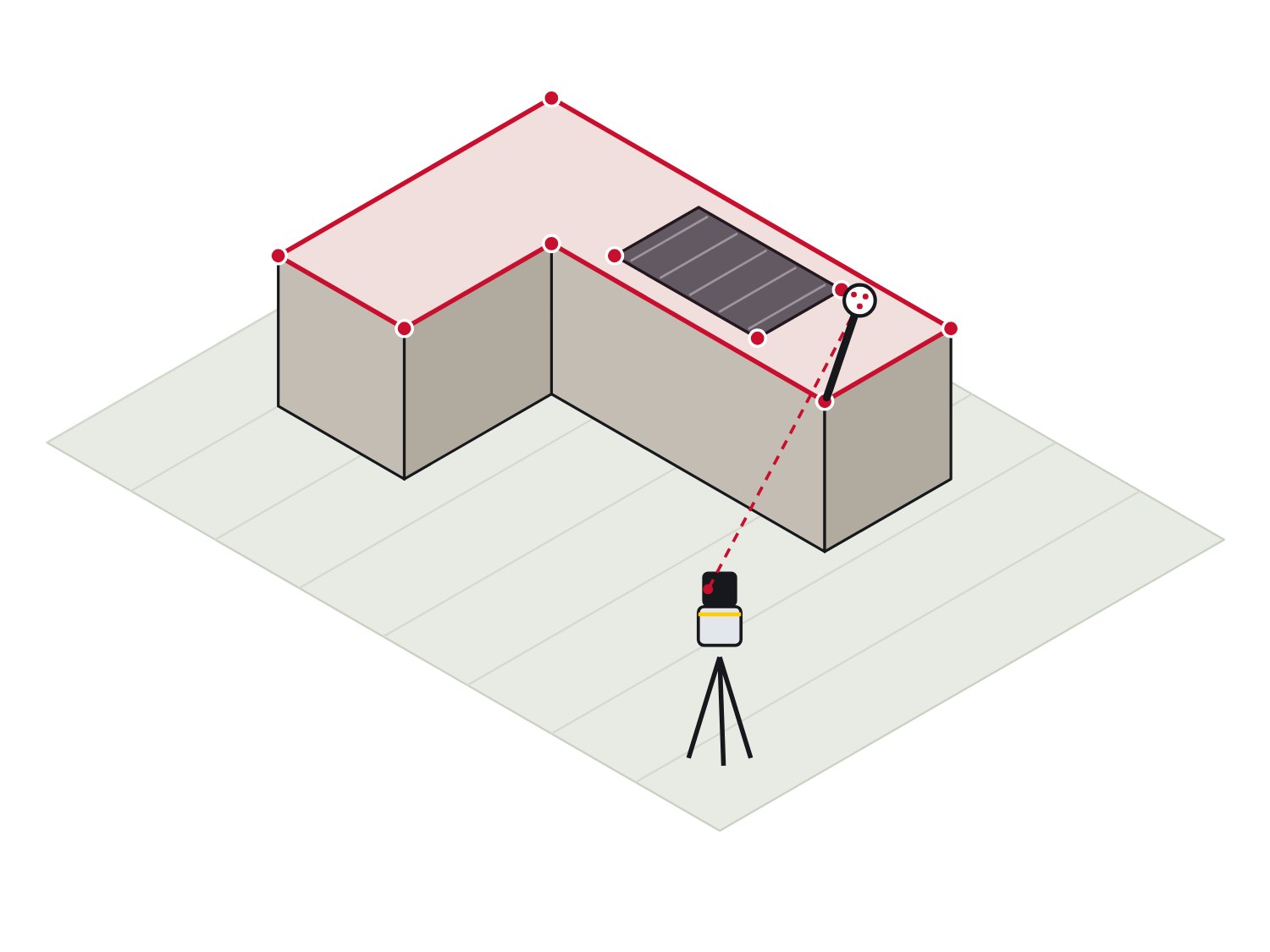
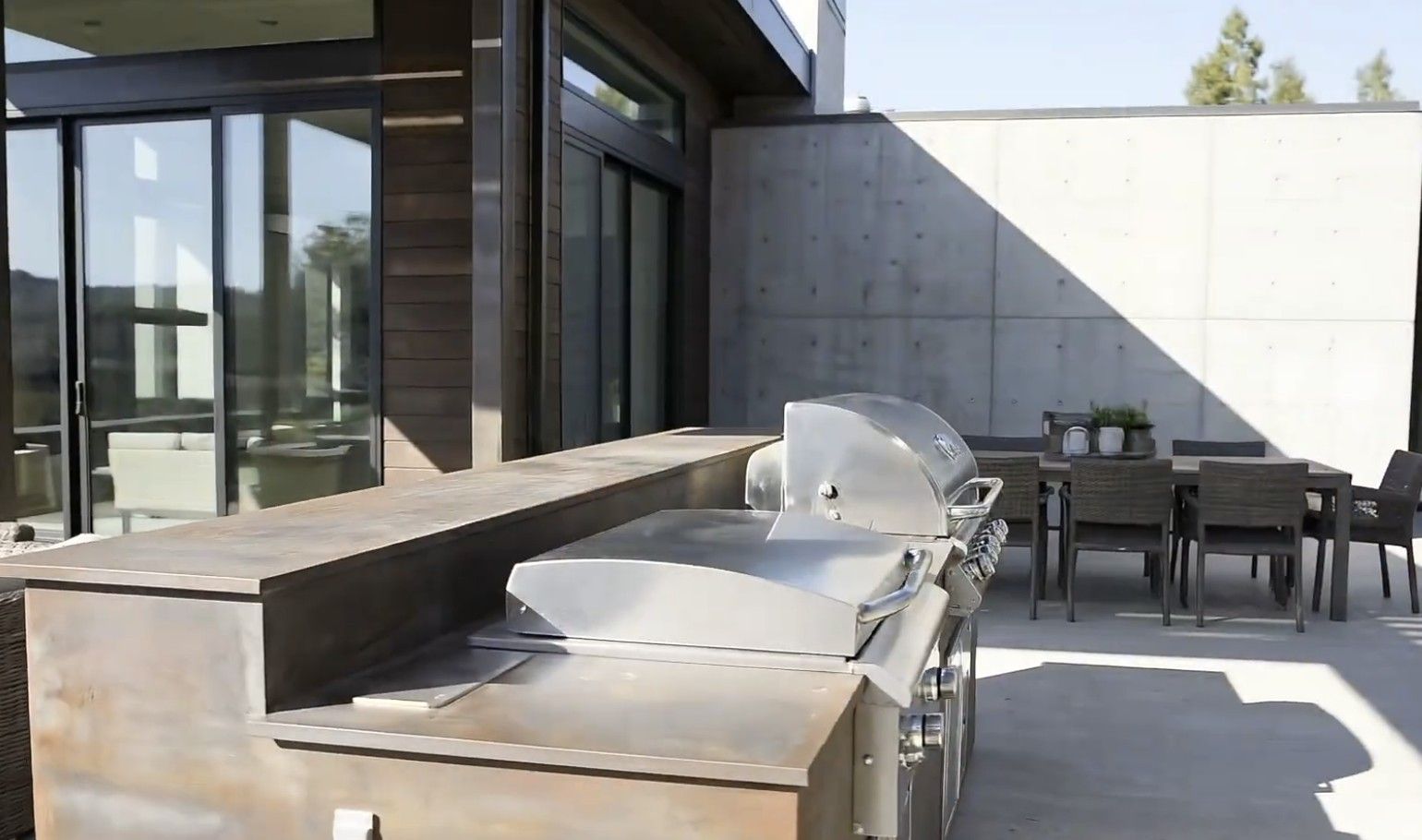
Block islands are rarely straight. A point every 8 in along the block, the grill cutout and its spec sheet, and the shop cuts to what was actually built.
  • Block or frame, measured the same way
  • Grill cutout located off the real opening
  • Every corner of an L or U in one drawing
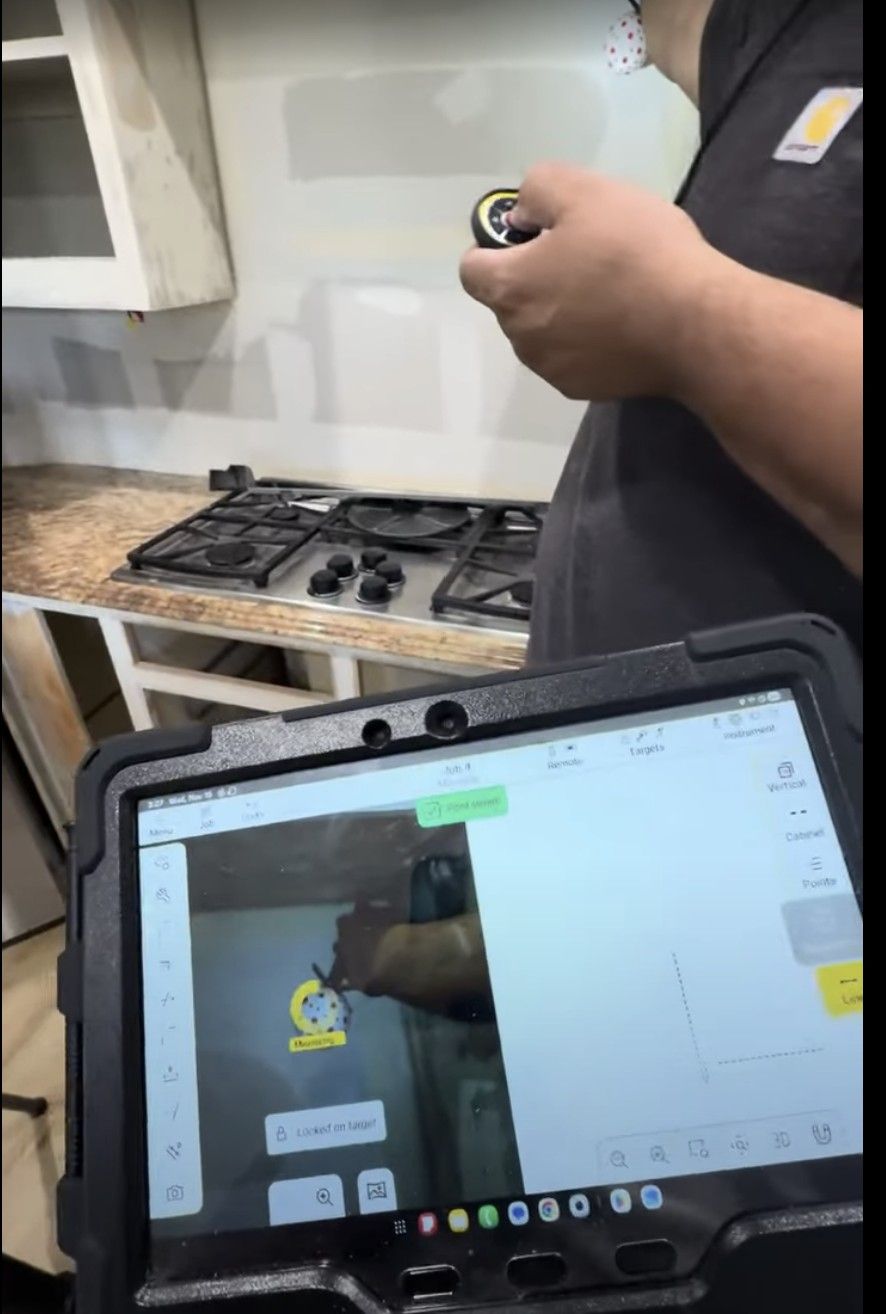
Locked on target.
Locked on target.
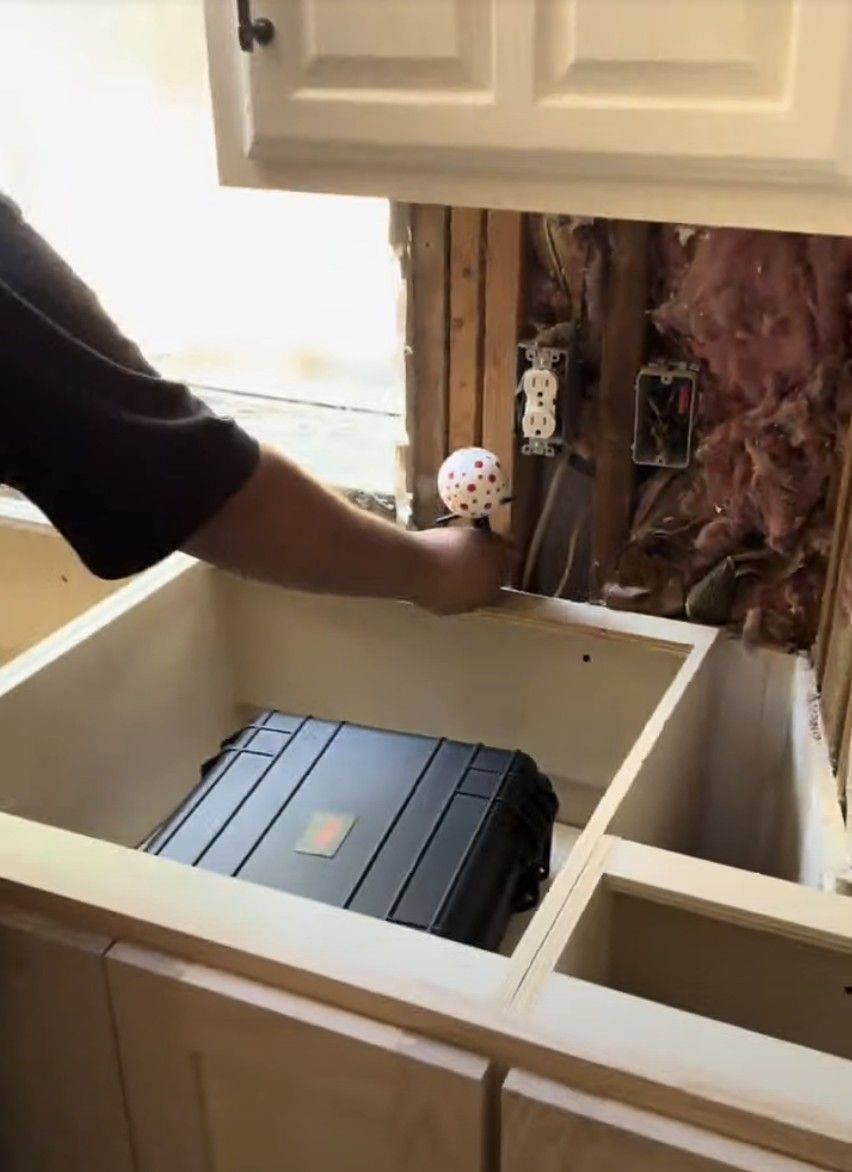
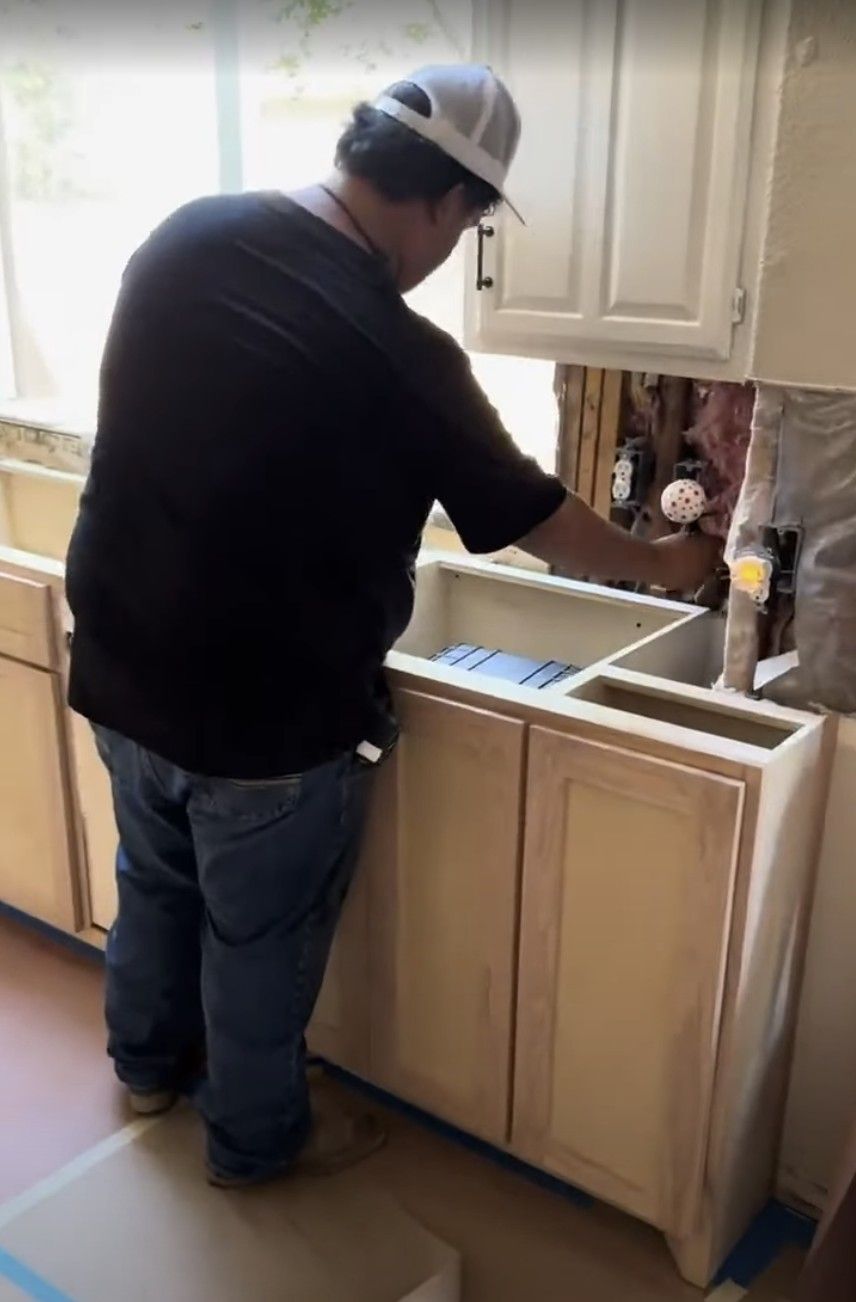
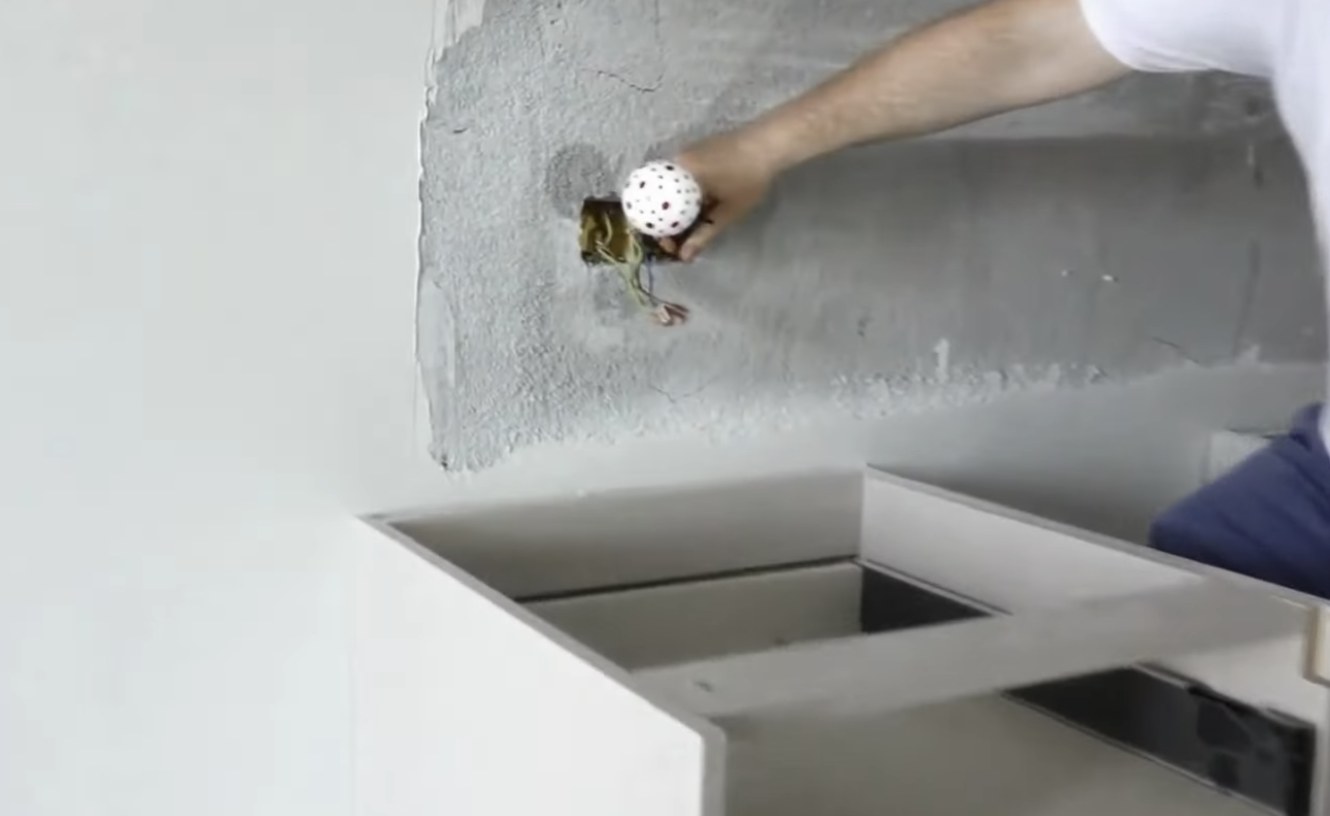
The VPen on each outlet.
The drawing on the tablet.
The VPen on a cabinet end.
Outlet box, before the drywall.
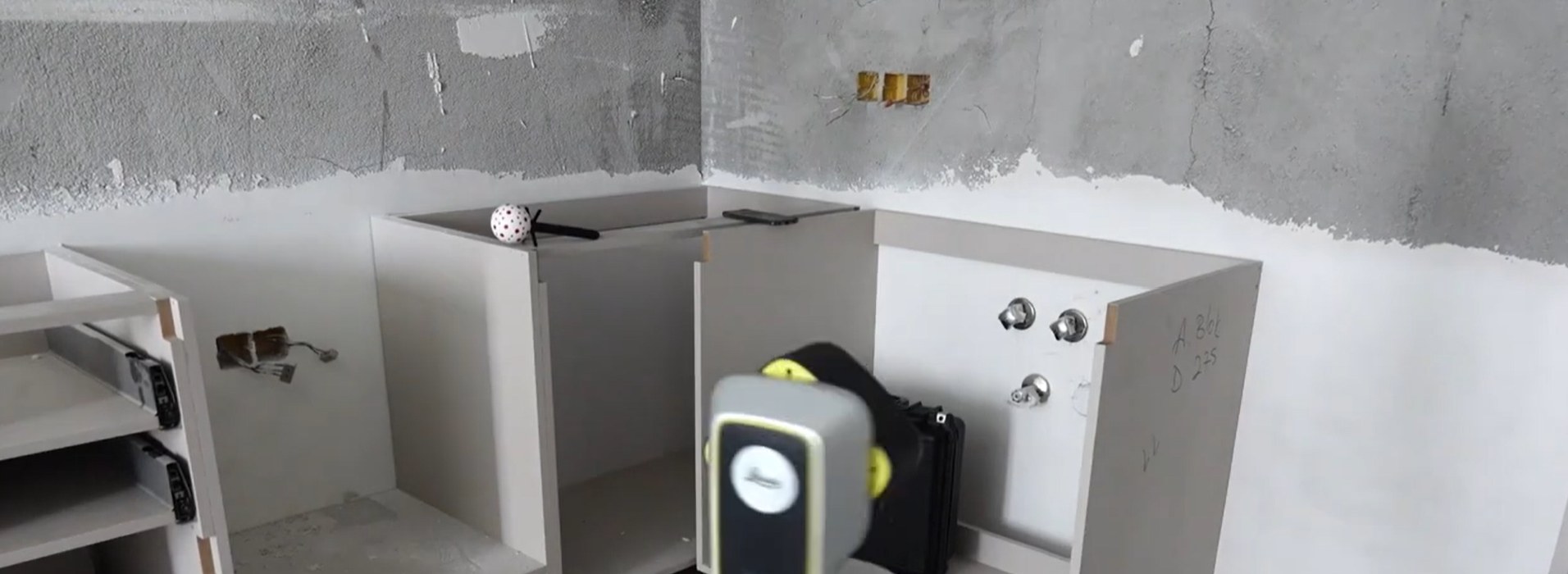
Set up on the open side.
The VPen on the wall behind the sink base.

Watch two real kitchens get templated.

Kitchen A · 90 sec. Watch the pen and laser from one setup.
Kitchen B · 3 min. Watch the whole job, setup to export.
Laser line scan along a wall
More on the SPEEDtemplate YouTube channel →
More videos

Want to learn more about the iCS50?

Hear from real users. See more features.

The VPen on the back of a shower curb
The laser on a vaulted corner above a fireplace
Everything in the case
Watch more on YouTubeFollow on InstagramFollow on Facebook
Works with your software

Straight to drafting, nesting and the CNC.

Export 2D DXF, CNC DXF, a Shop Sheet PDF or ALPHACAM (IAZ) directly. The job, file and photos are uploaded to SPEEDfolder, ready for the shop.


ALPHACAM
Slabsmith
AutoCAD

Product names are trademarks of their owners.

Compare

How to compare countertop templating systems.

Ask thisThe iCS50
What happens at an inside corner?VPen tip in the corner, or points on both walls and Intersect for the real angle.
Can it trace a sink or a radius?Yes. Trace, then Smooth into true arcs, or insert the sink outline from the library.
Is there a wire to the pen?No. The VPen is wireless, up to 33 ft (10 m) from the iCS50.
Is anything glued, carried or digitized later?No. The points go straight into a file on site.
What does the shop get?2D DXF, CNC DXF, ALPHACAM (IAZ) or a Shop Sheet PDF.
What if an island hides a run?The pen reaches over the top and the laser gets the rest. In a kitchen, the iCS50 almost never has to move.
Included with the iCS50

All the software to run your countertop business. Included.

  1. 1
    Job starts
    SPEEDfolder✓ Included

    One folder for the customer, address and photos.

  2. 2
    Schedule
    Your calendar

    The template goes on the shop calendar with a link to the job.

  3. 3
    Measure
    iCS50

    Measured to 1 mm. The DXF is uploaded to the job.

  4. 4
    Material
    SPEEDinventory✓ Included

    Find the slab and scan it to confirm. Remnants go back in stock.

  5. 5
    Fabricate
    SPEEDlabel✓ Included

    Every part cut and labeled at the saw.

  6. 6
    Install
    SPEEDfolder✓ Included

    Scan the labels, upload photos, mark the job complete.

$0Additional cost
SPEEDfolder, SPEEDinventory and SPEEDlabel come with SPEEDtemplate.
Bought on their own, they run over $170 a month. With SPEEDtemplate, they come in the plan at no additional cost.
See pricing
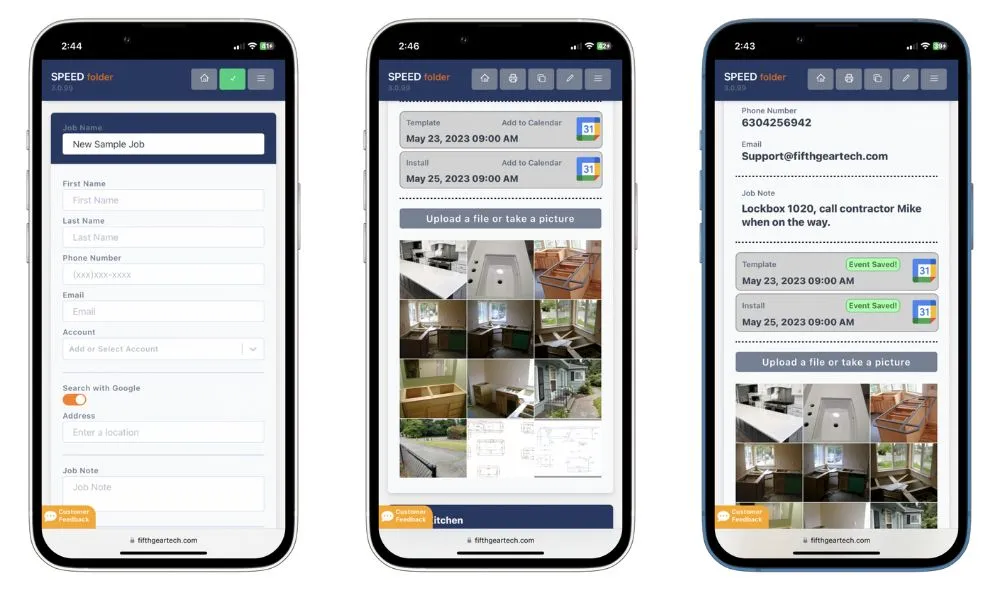
SPEEDfolder
Included with your iCS50

Files at the office before you leave the job.

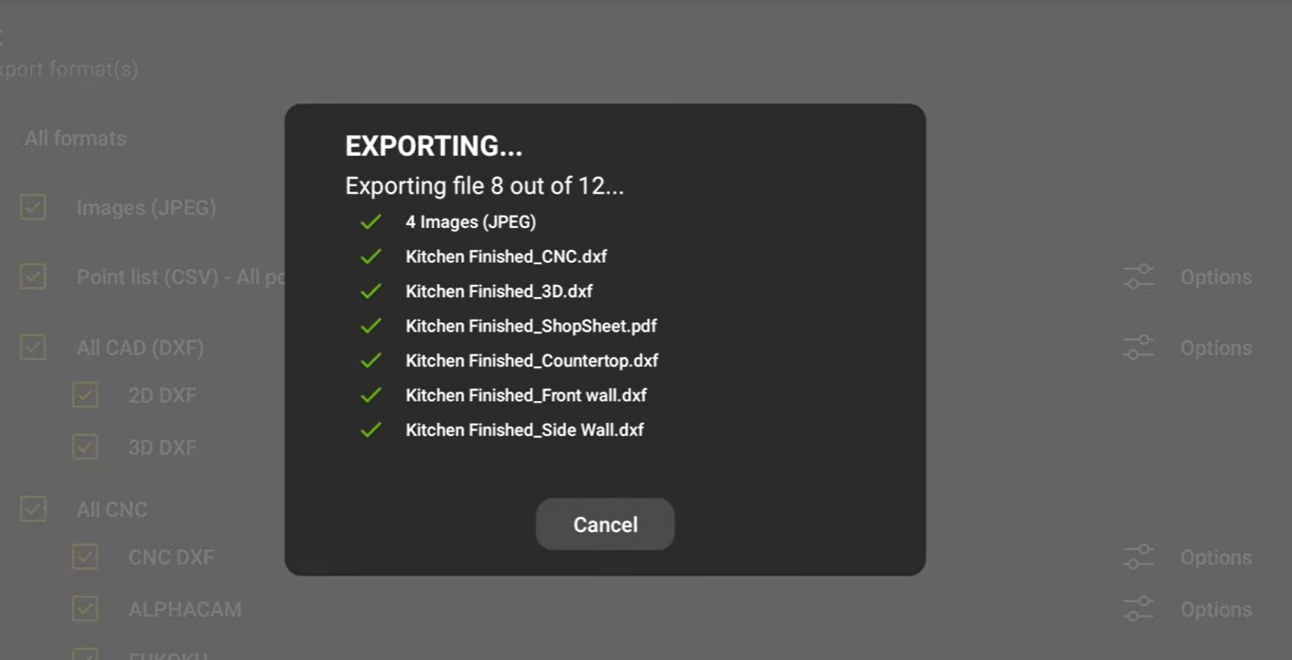
Export in iCON trades, tap Share, pick SPEEDfolder. No emails. No thumb drives. No redrawing.
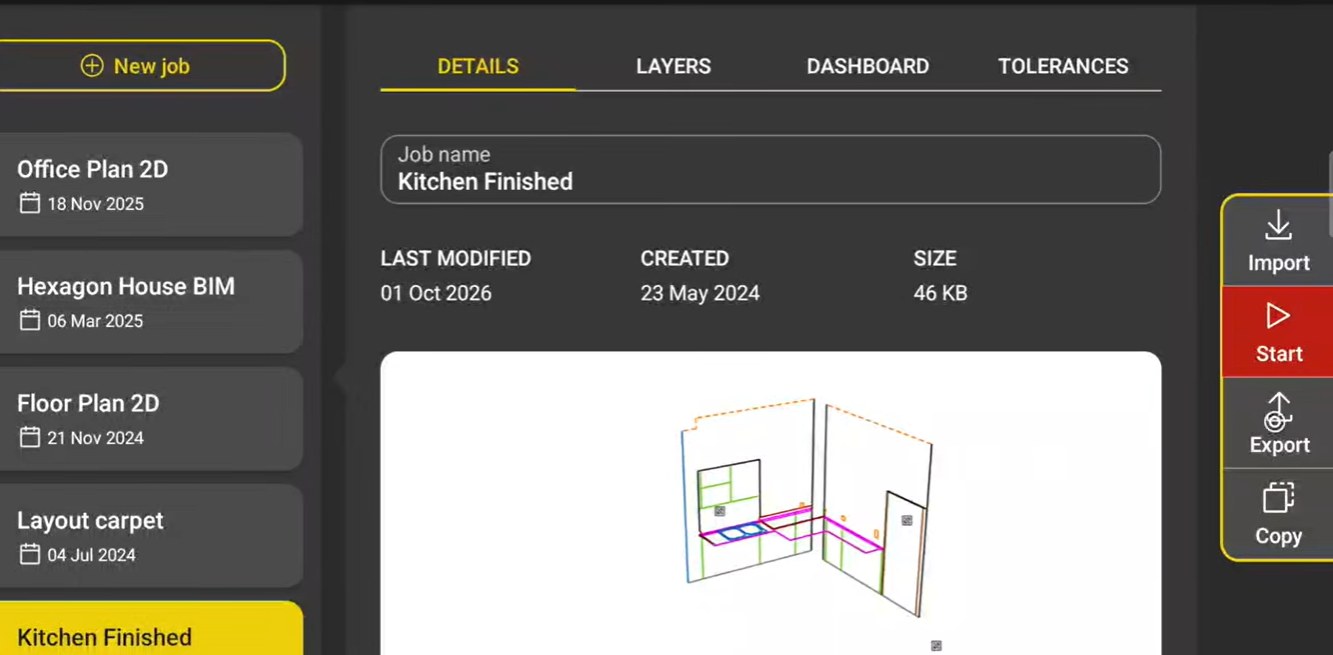
The job in iCON trades, with Export on the right
1. Tap Export
DXFs, CNC, ALPHACAM, Shop Sheet and photos export in one pass
2. Every format at once
Every file on the job, ready for programming
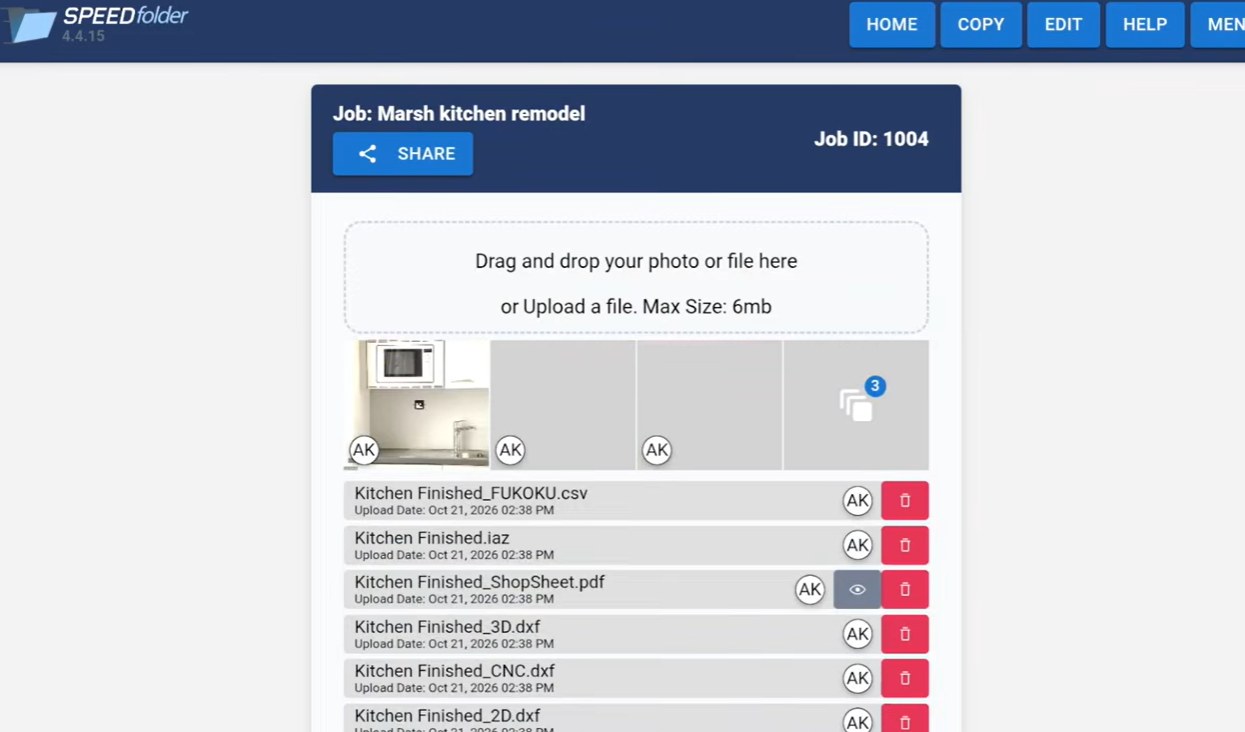
3. On the job in SPEEDfolder
A job in SPEEDfolder with its photos and files

Every job in one place.

Drawings, photos and sign-off, shared by the field and the office.
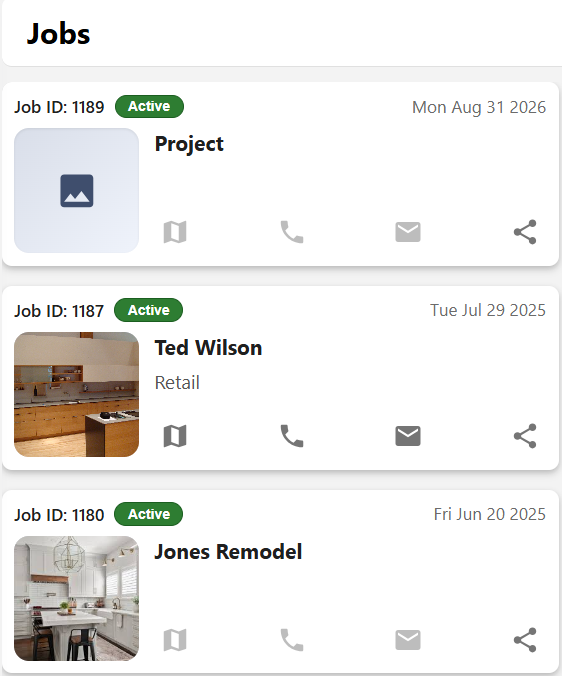
  • Customer, schedule, files and photos together
  • Text the job to anyone, no app
  • Free storage, whole crew
See SPEEDfolder
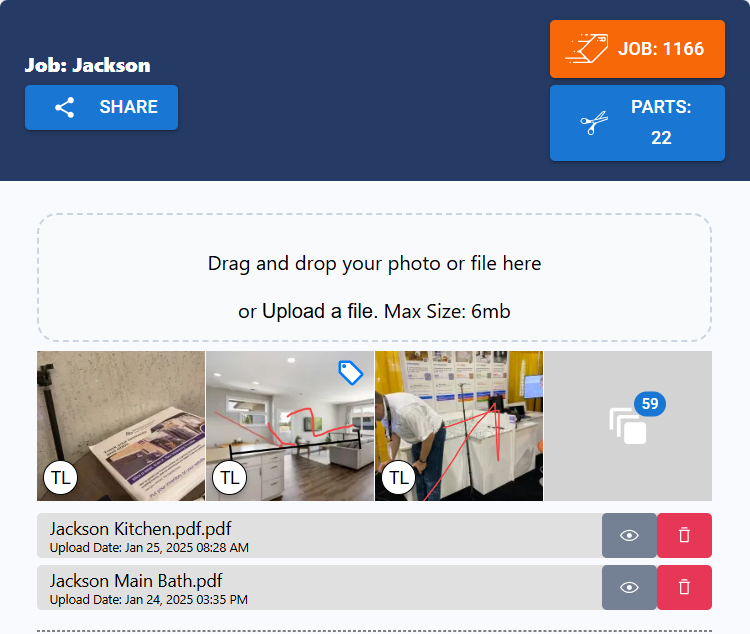
Every job, one list in SPEEDfolder
Every job, one list
Each job with its customer, schedule, files and photos, on the phone and at the desk.
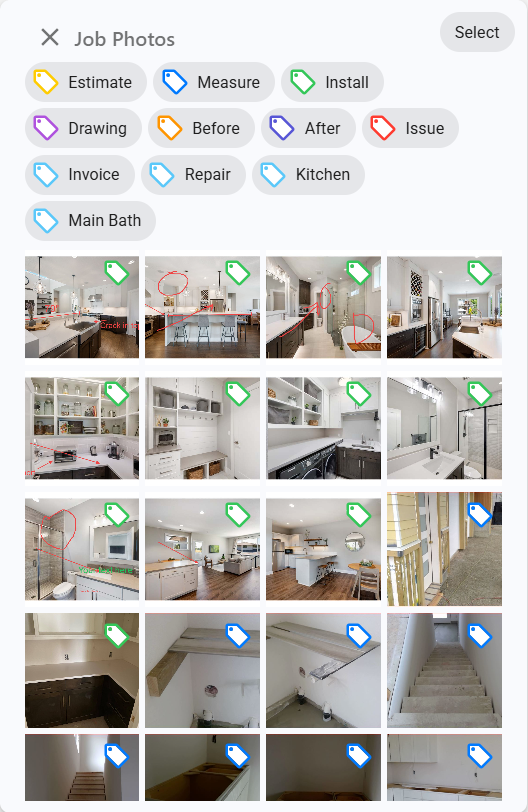
Tagged photos in SPEEDfolder
Tagged photos
Estimate, Measure, Install, Before, After, Issue. The office filters to the photo it needs in a tap.
A link, not an app in SPEEDfolder
A link, not an app
Text the job to the installer or the customer. It opens in any browser, no account, no password.
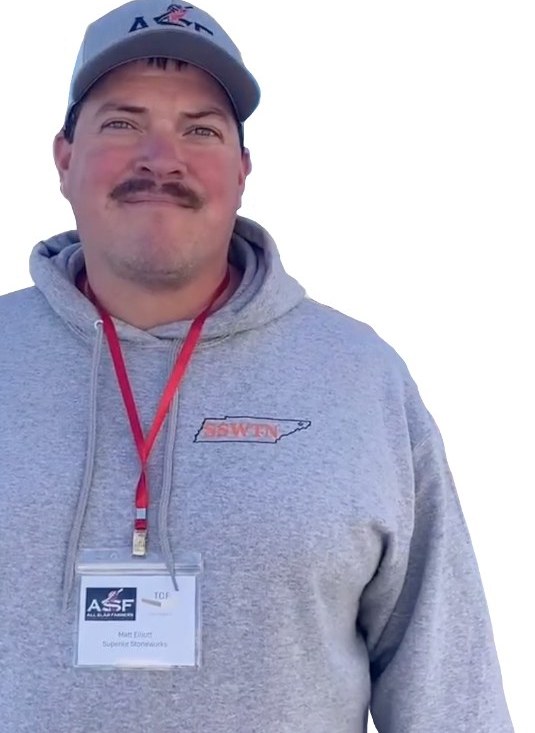
Matt Elliott of Superior Stoneworks
“Getting SPEEDfolder is the best thing I have done for my business.”

Matt Elliott
Superior Stoneworks, Blountville, TN
SPEEDlabel
Included with your iCS50

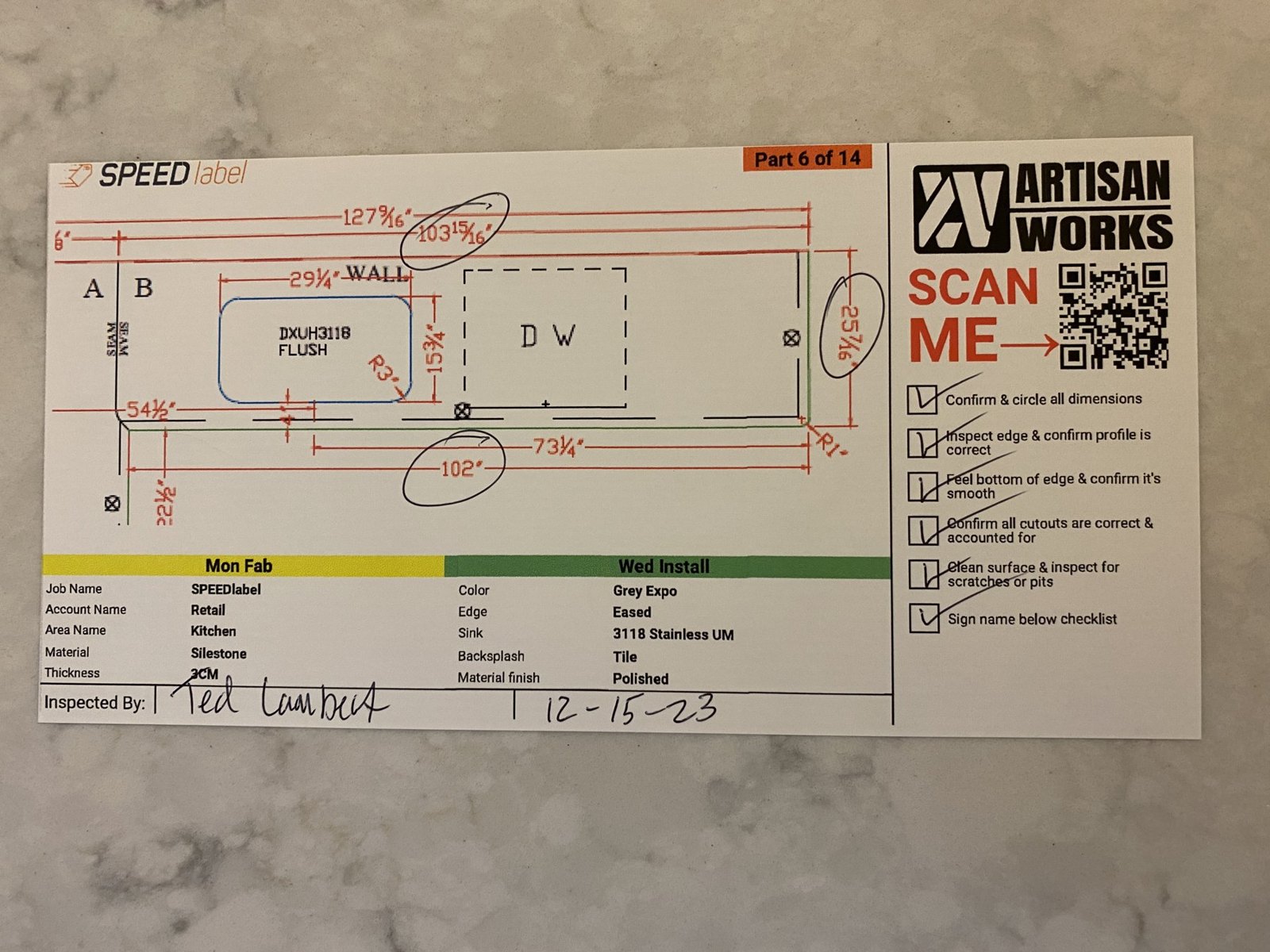
The label is the paperwork.

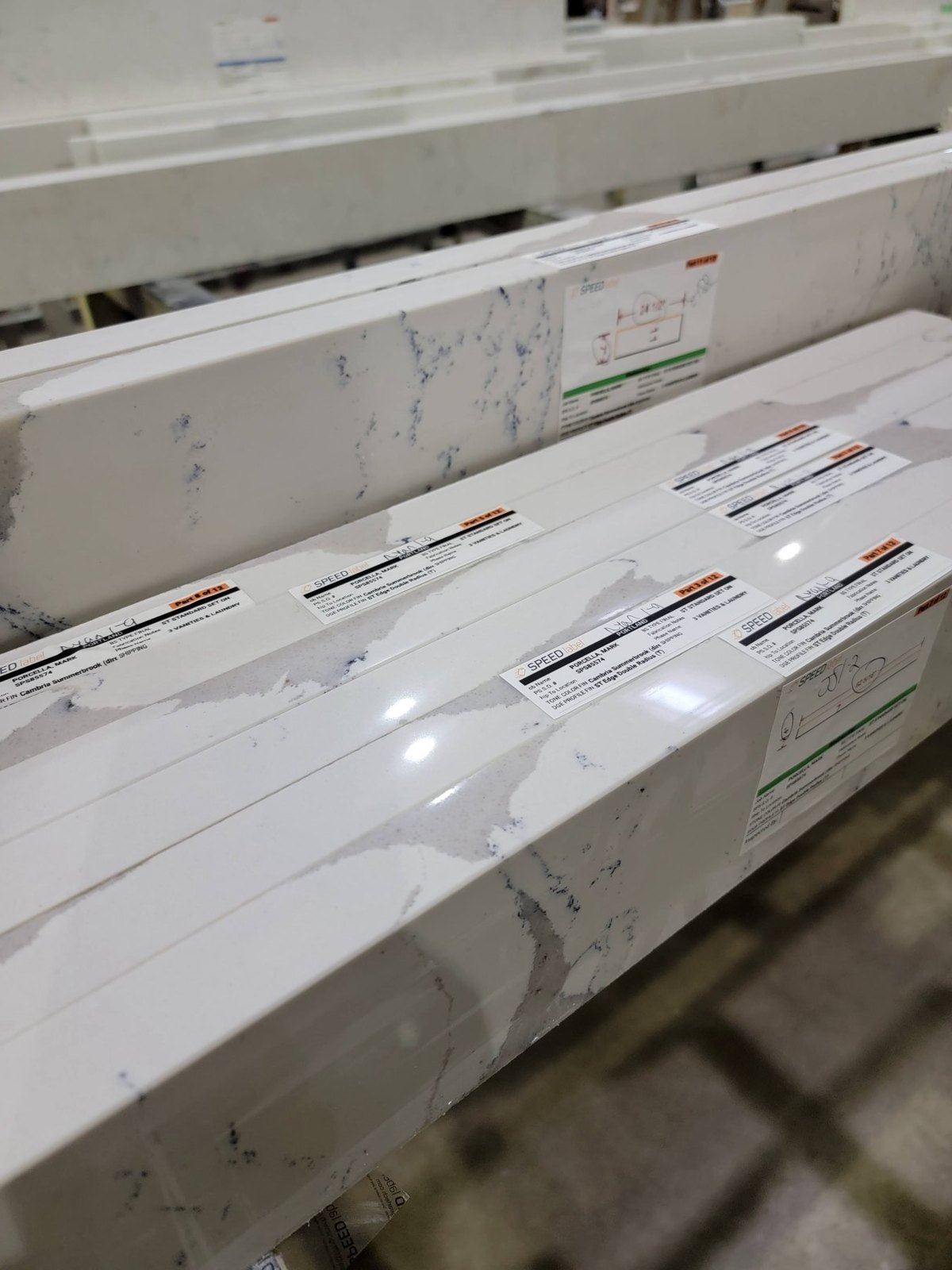
The drawing and dimensions on every piece.
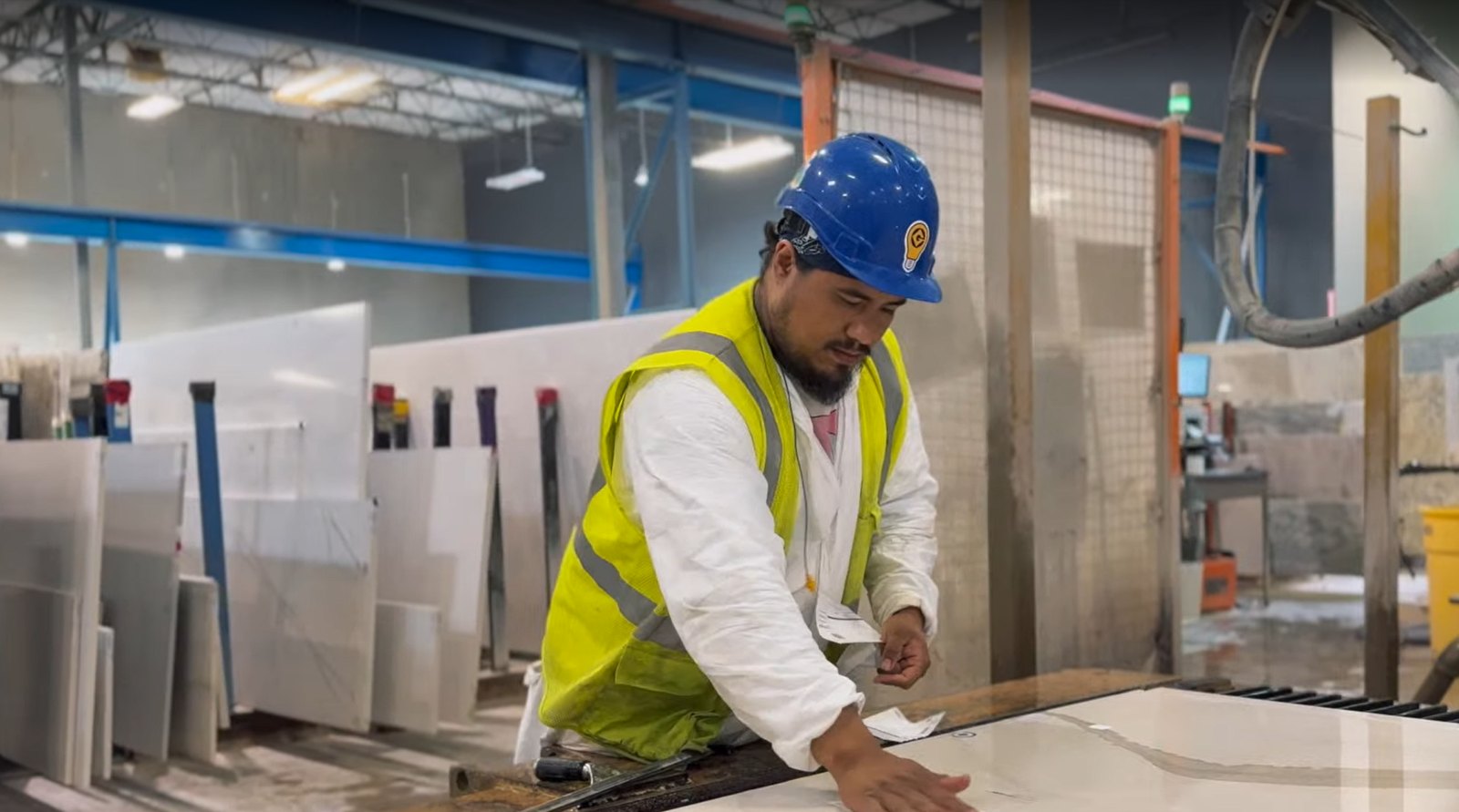
  • Scan the QR, the whole job opens
  • Initial at every station, even wet
  • 30 million labels applied
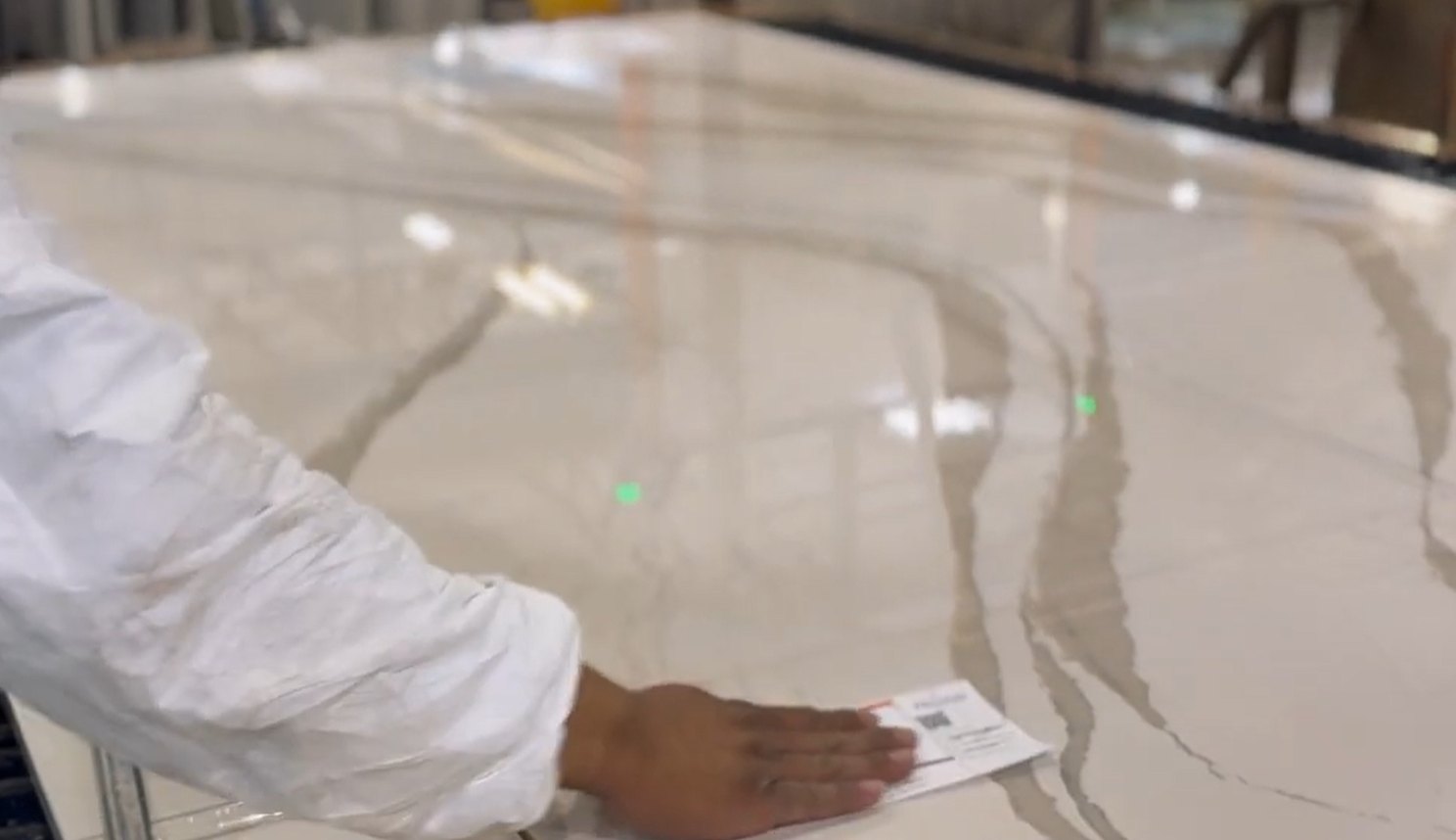
A sawyer placing SPEEDlabels on cut parts at the saw
Job details pulled fromMoraware SystemizeActionFlowStonifyStoneappEasedEdgeSPEEDfolder
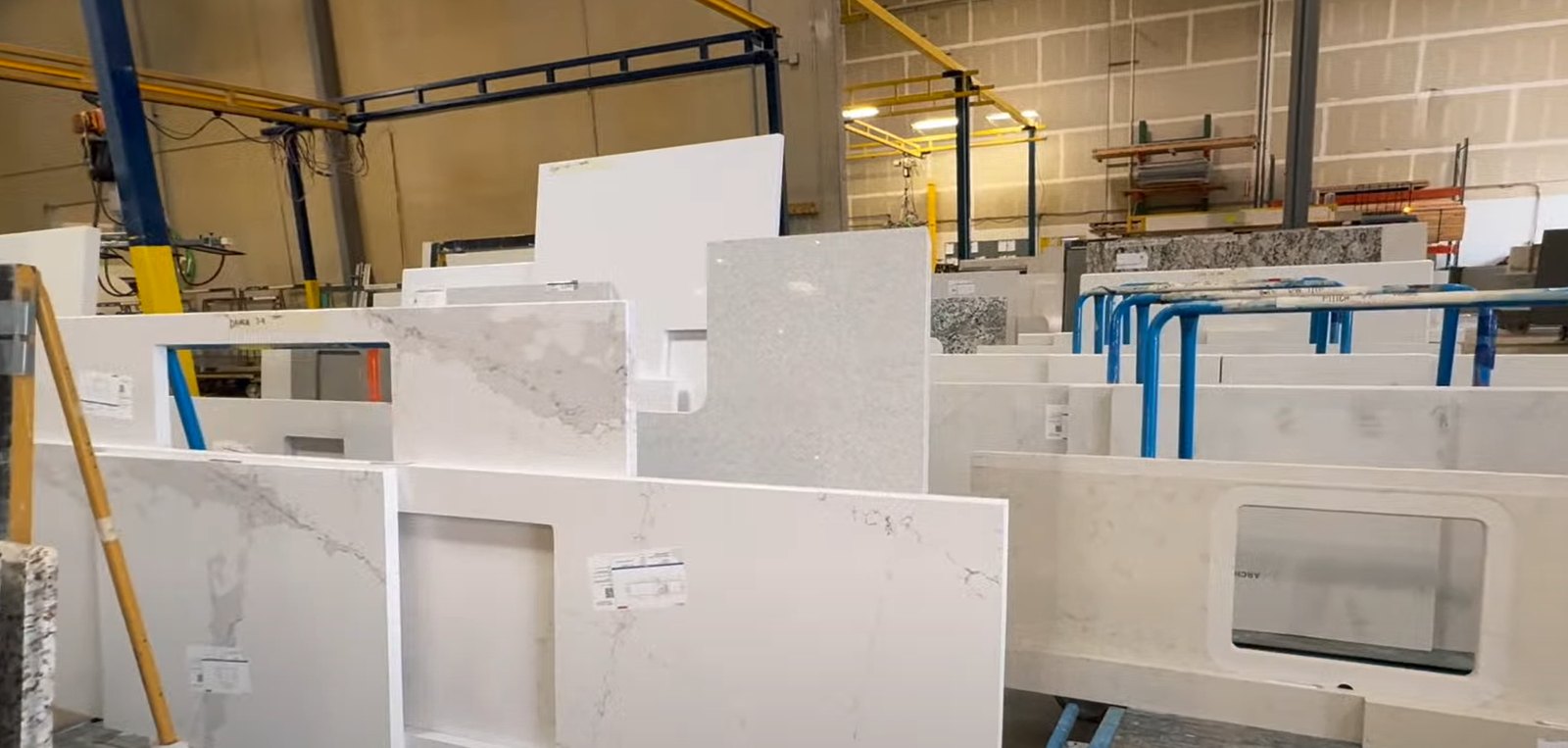
Dozens of jobs on the floor. Every part knows where it goes.
Edge labels: count the cart before the truck leaves.
Final QC: dimensions circled, checklist ticked, signed and dated.
Sticks to a wet slab after one squeegee pass.
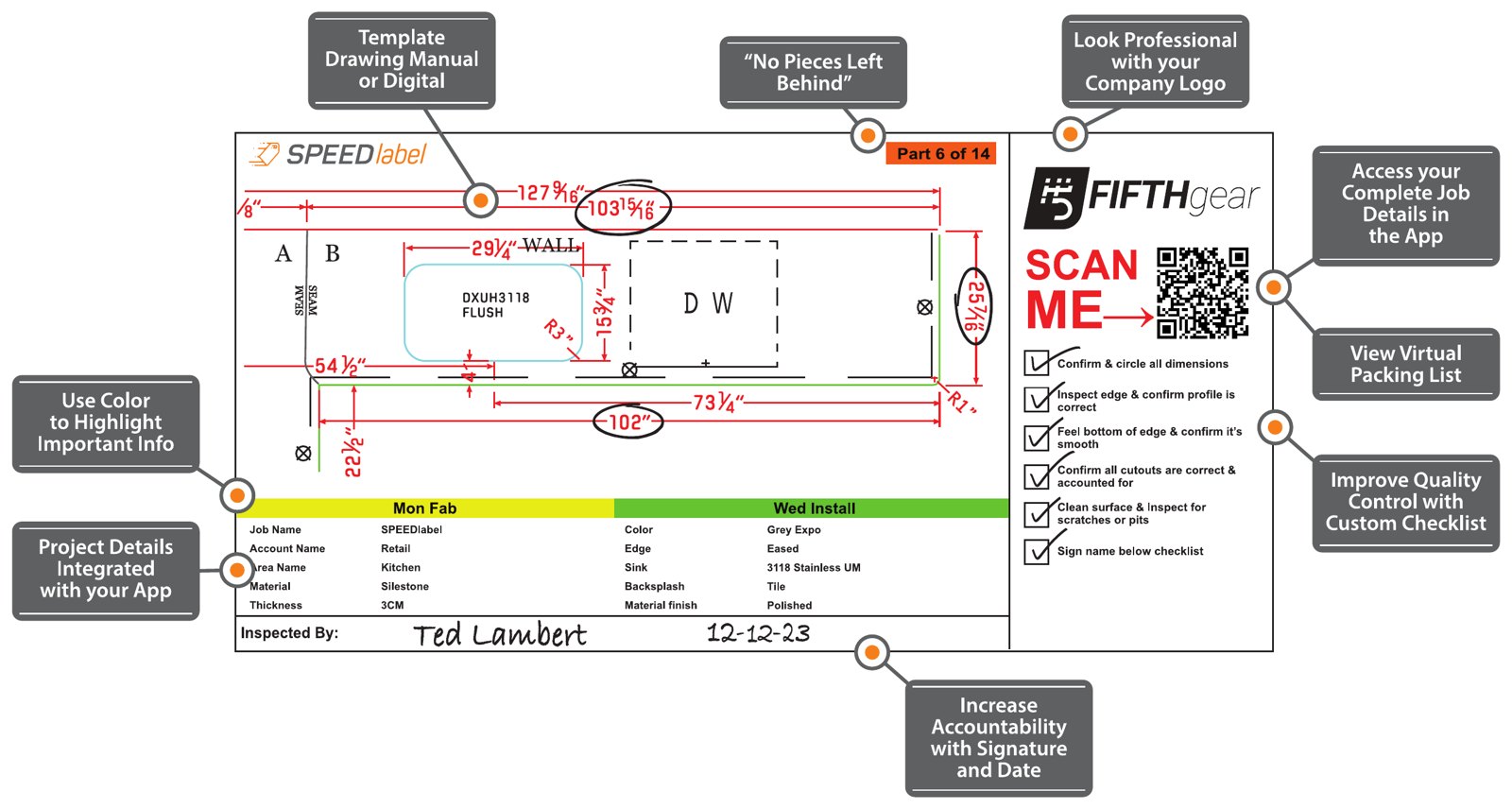
Anatomy of a SPEEDlabel: drawing, part count, QR code, color bands, checklist and sign-off
All of this on every part.
SPEEDinventory
Included with your iCS50

You don't have an inventory problem. You have a tracking problem.

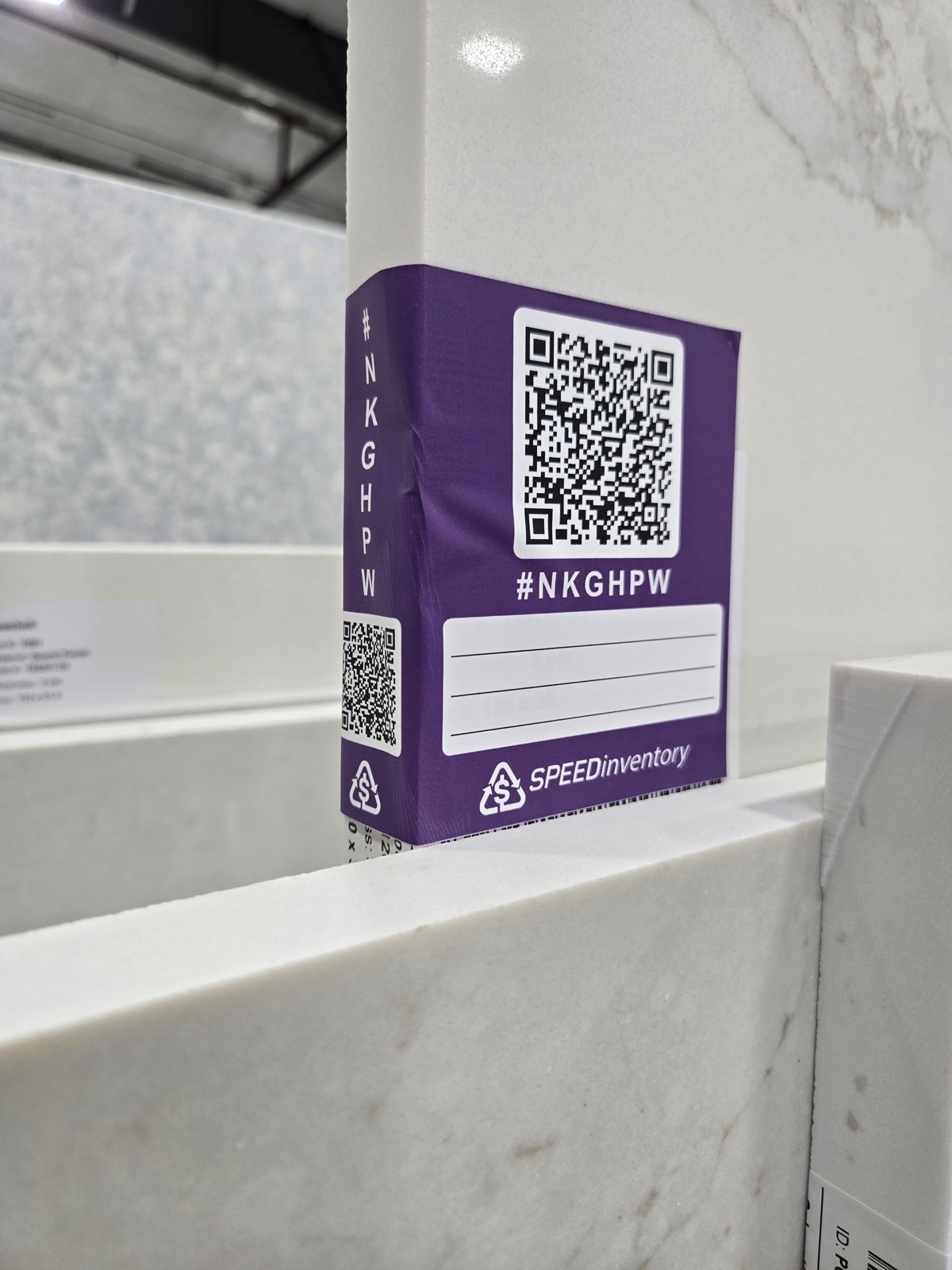
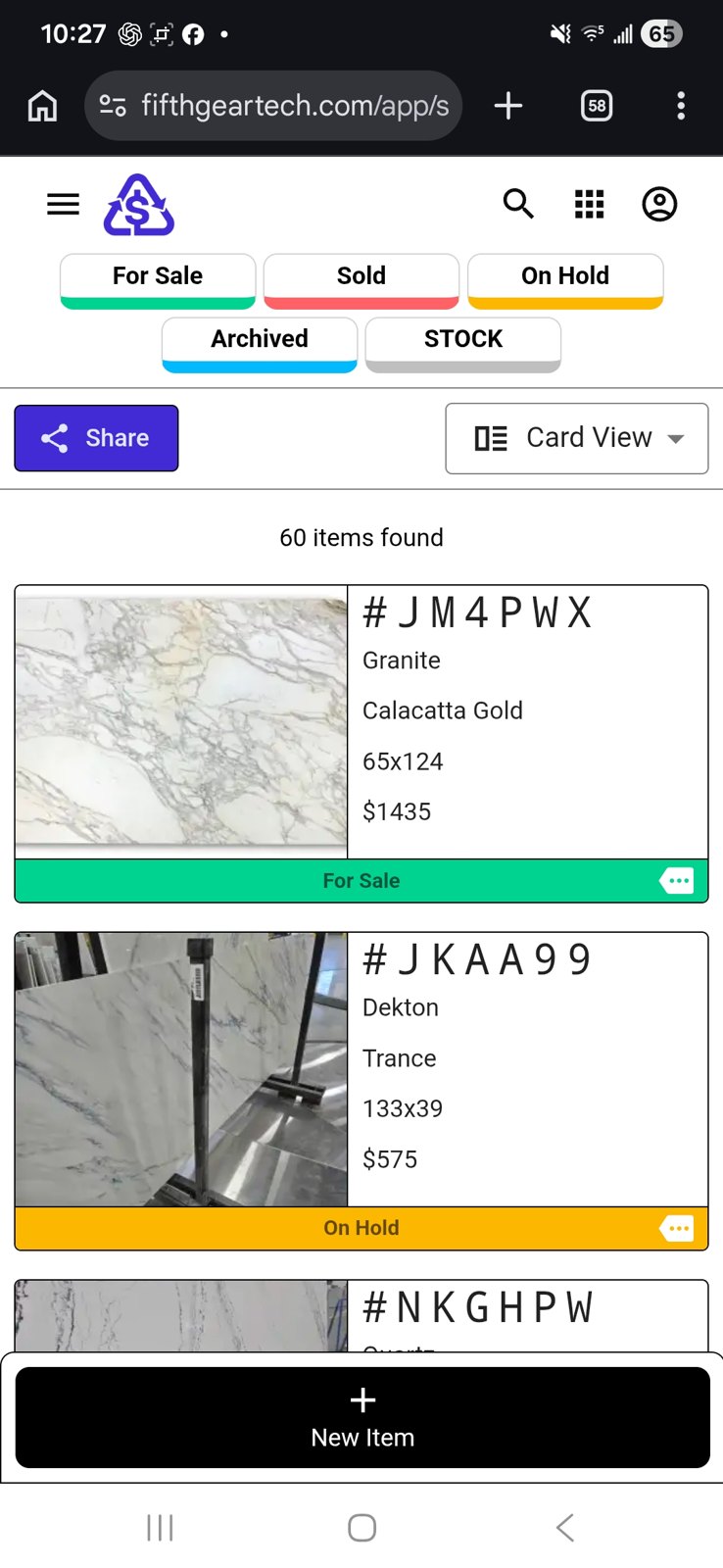
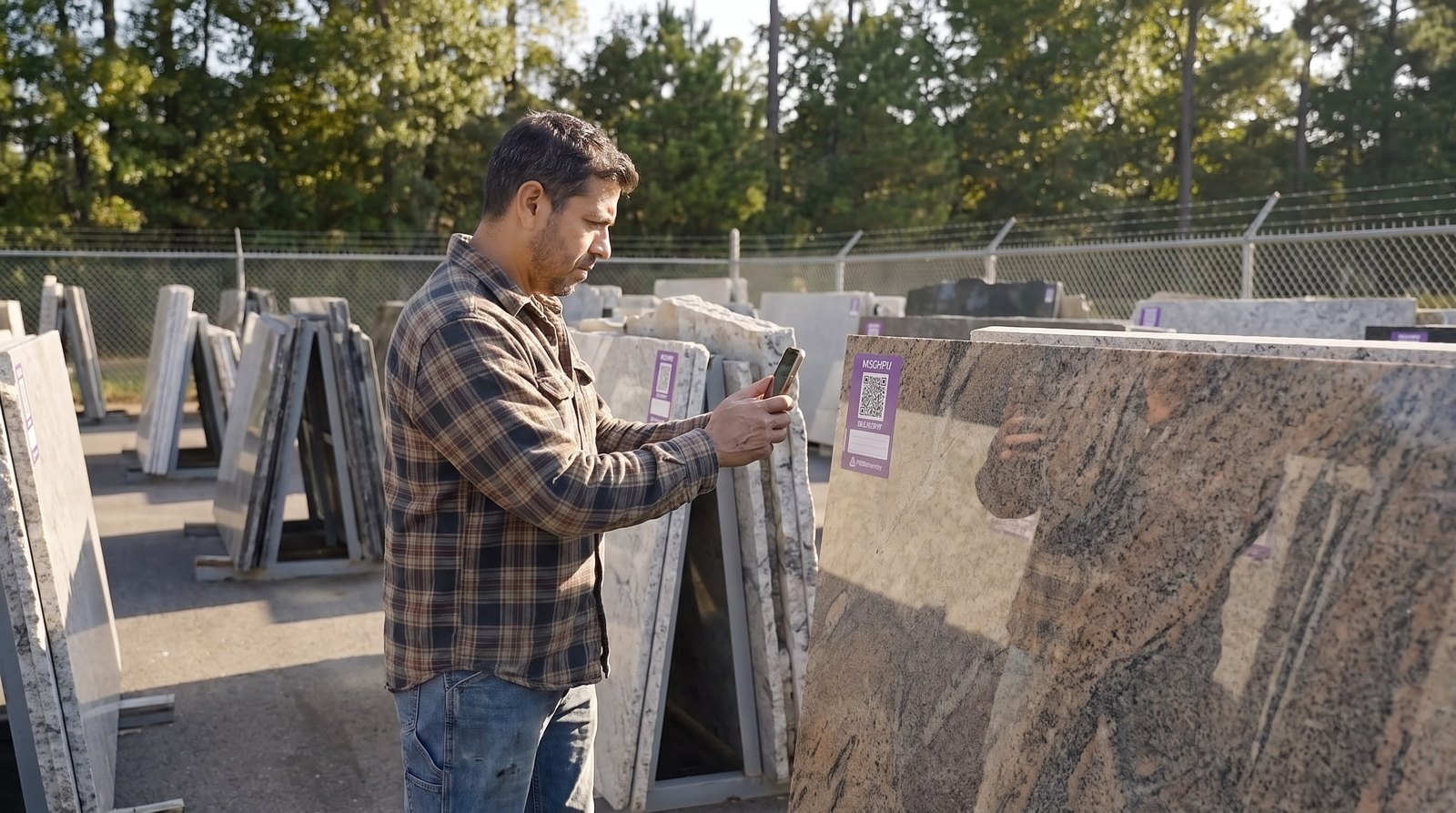
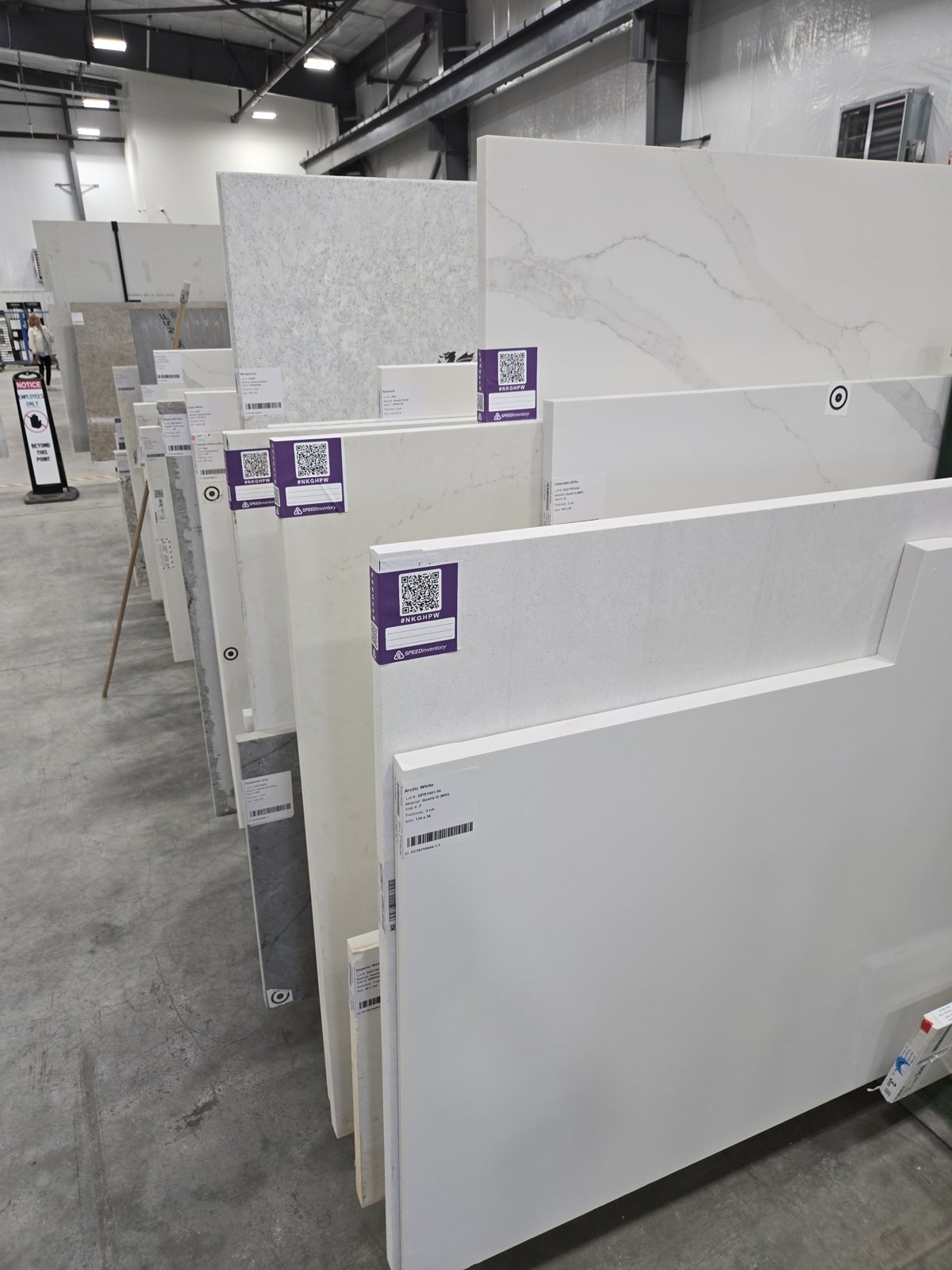
Stick a preprinted QR label. Scan it with your phone. Every slab has a digital identity.
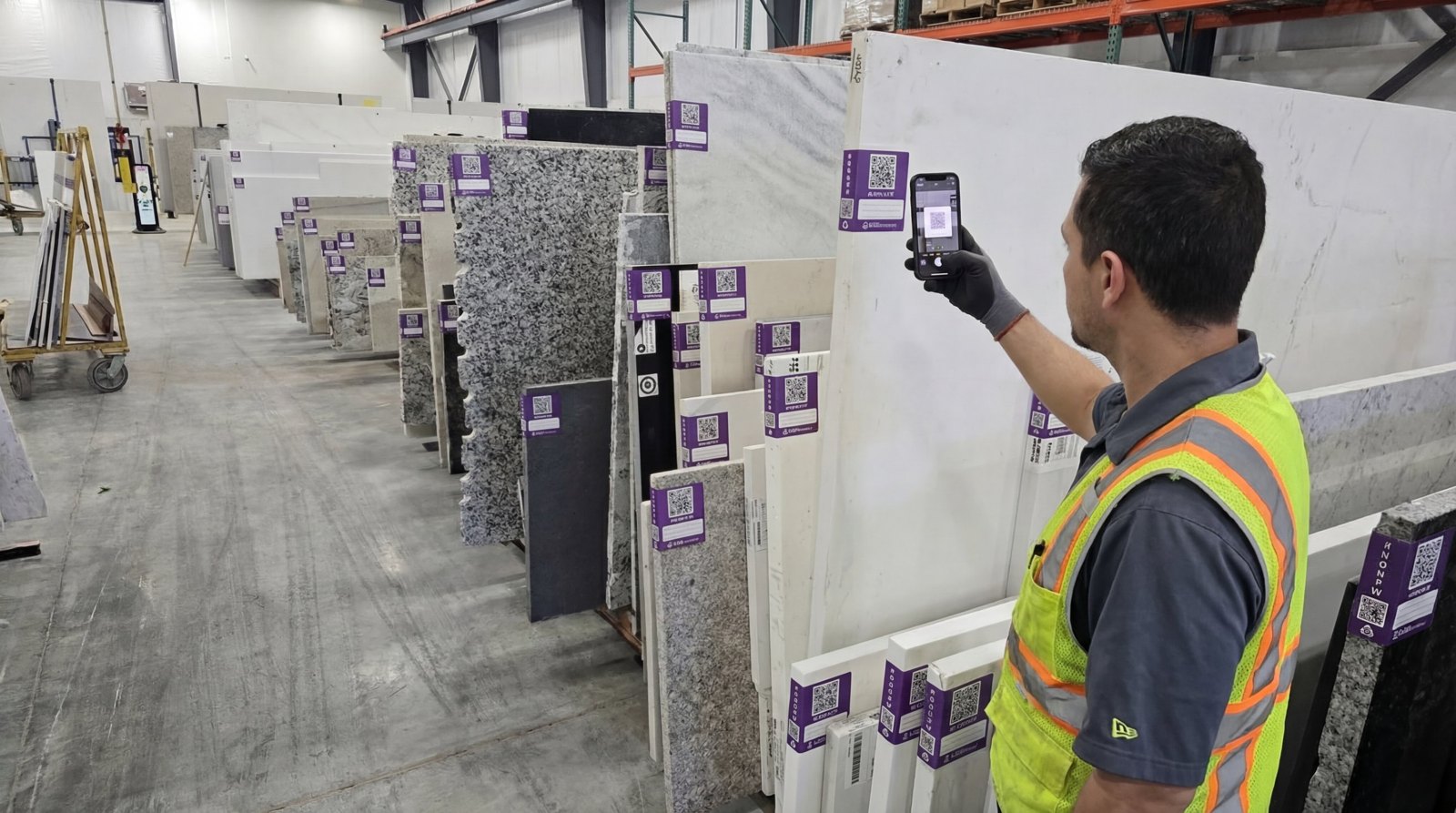
  • Photos, material, size, price and status on every slab
  • Warehouse, office and sales see the same yard
Learn more at speedinventory.com
Scanning a SPEEDinventory label on a slab rack with a phone
Wraps the edge, scans from the aisle
Every slab, color-coded by status
Outdoor yard, same label
A whole rack, tagged
Showroom
Your slabs, live on your website.
  • Mark a slab For Sale, it shows up
  • Link it or embed it on your site
  • Clients browse and tap Inquire
See a live showroom →
Cover of the Countertops Guide
Learn it before you buy it

Read the Countertops Guide.

Walls and corners, sinks from the library, splashes and waterfalls, seams and the hand-off to the shop. The same guide the templater gets in print.

Industry guide
What changes on this trade's jobs
Workbook
Hands-on lessons, one per operator
Onboarding
iCS50 Onboarding Specialists, unboxing to first job
Read the guideAll guides →

Countertop questions

How accurate is it?

The VPen is accurate to 1 mm (about 1/32 in) within 33 ft (10 m). Laser mode adds quick points the pen doesn't need to touch.

We already have a digital templater. Why switch?

Most shops switch for the wireless pen: no cable and no laser into corners. Ask about trade-in credit for your current system.

Which features need the Templating licence?

CNC DXF, ALPHACAM, Shop Sheet, Auto Backsplash and Smooth need a Templating licence. Ask which licence your jobs need.

Who on the crew should run it?

The person who already knows how a top goes in: an experienced templater or installer. The iCS50 is the only new part, and onboarding covers it.

Does it arrive ready to use?

Yes. SPEEDtemplate pairs the tablet, loads the software, tests the iCS50 and charges it before it ships. Open the case and measure.

Does it run on an iPad?

No. iCON trades runs on Android, so a Samsung Galaxy tablet comes in the case, set up and ready.

Are the VPen tips replaceable?

Yes. A pointed tip for corners and points, and a rounder tip that glides better when tracing.

What if someone bumps the tripod?

The iCS50 alerts the user right away, on the tablet and with a sound, so no point is taken from a moved setup.

What if someone walks between the iCS50 and the VPen?

The iCS50 alerts the user that it lost the ball, then locks back on as soon as the ball is in view again.

Do we have to walk back to the unit to check the screen?

No. The tablet goes with the templater. Clip it to a shoulder strap (a Peak Design camera strap works well, sold separately) and keep the tablet, VPen and remote on you, anywhere on the job.

Will the battery last all day?

Yes. Charged overnight, the iCS50 runs a full day of measuring on one charge.

Does it need to be sent out for calibration?

No set schedule. The iCS50 levels itself at every setup, and the crew can run a built-in check any time a reading looks off.

What does it cost?

The complete package is $29,800, or from $499 a month financed over 72 months on approved credit. It includes the iCS50, VPen, V-Targets, Samsung tablet, carbon tripod, cases, onboarding and training. iCON trades, SPEEDfolder, SPEEDlabel and SPEEDinventory are included for the first year. After that, the SPEEDtemplate plan covers all four for $150 a month. If it's financed and in use by December 31, ask your accountant about a Section 179 write-off.
See the iCS50 for countertops, live on Zoom.

A live Zoom demo with an iCS50 specialist. See the iCS50 and iCON trades software in action, and get answers for your shop: kitchens, islands, waterfalls and full-height splashes.

Book a demo See pricing
Follow SPEEDtemplate
Talk to a person

Questions? Call us.

Sales, support or just a question about a job. A real person at SPEEDtemplate picks up.

919-676-2244
support@fifthgeartech.com Monday to Friday, 8:30 am to 5:30 pm Eastern
Call 919-676-2244Book a demo

Not ready for a demo?

Send a note and an iCS50 specialist will get back to you.